Claude usage tracker
A Claude usage tracker that sits on your desk.
No tab, no app, no command. Your Claude limits stay in view while you work.
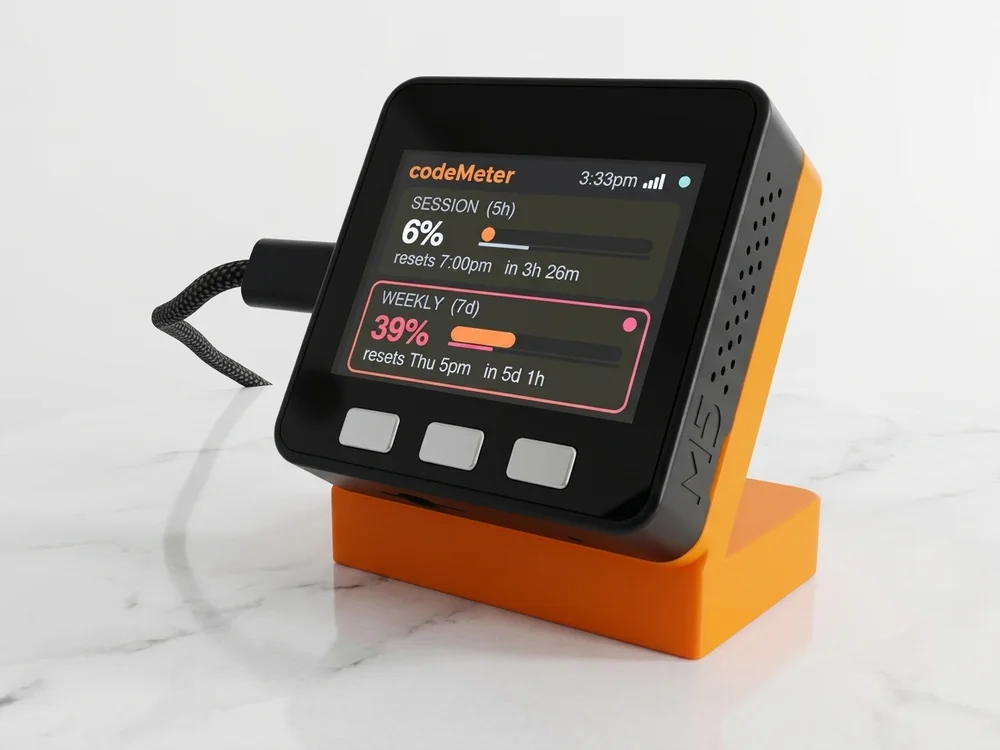
What it tracks
Whatever your plan reports.
| Plan | Tracked | Resets |
|---|---|---|
| Pro, Max | Weekly limit | Day and time, with a countdown |
| Team, Enterprise | Monthly limit, with a forecast | Date, with a countdown |
| Any plan with a 5-hour limit | 5-hour line as well | Time, with a countdown |
How
Straight from Claude, every minute.
Every 60 seconds codeMeter makes one tiny request with your token and reads the usage numbers Claude sends back: the percent used and the reset time for each limit. That is a percent of your plan, not a token count.
It runs on its own over Wi-Fi. Your computer can be off.
Try it
Am I on pace?
In use
Glance, don't check.
It sits beside the keyboard, so your limits are a look away while you work.
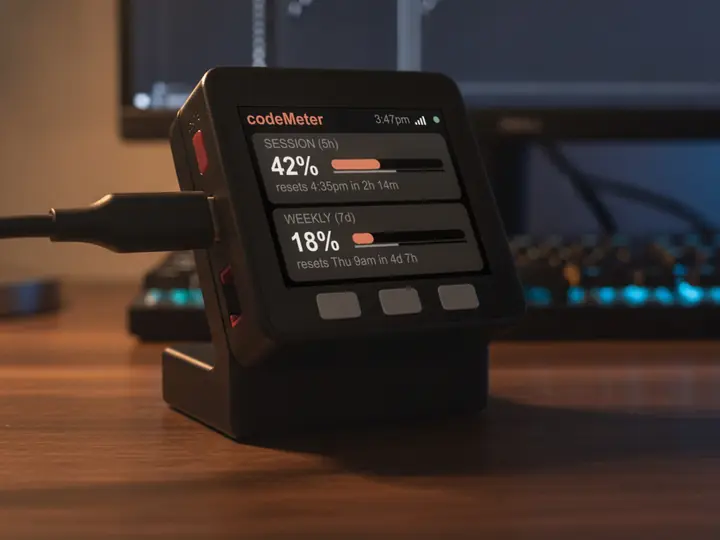
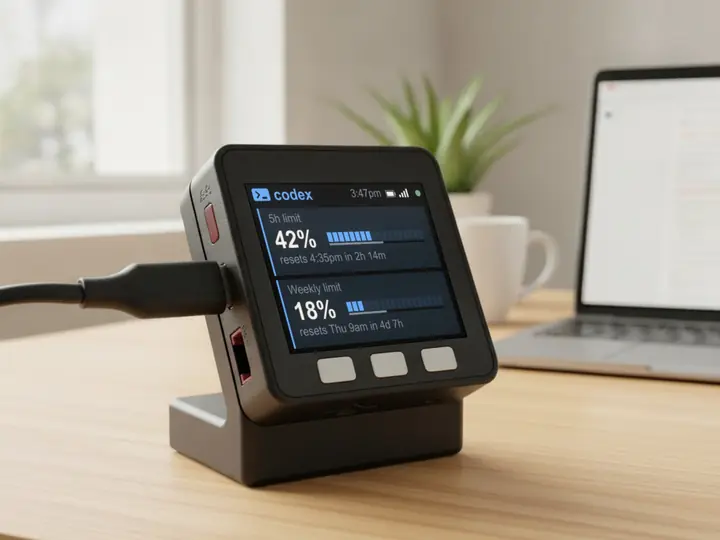
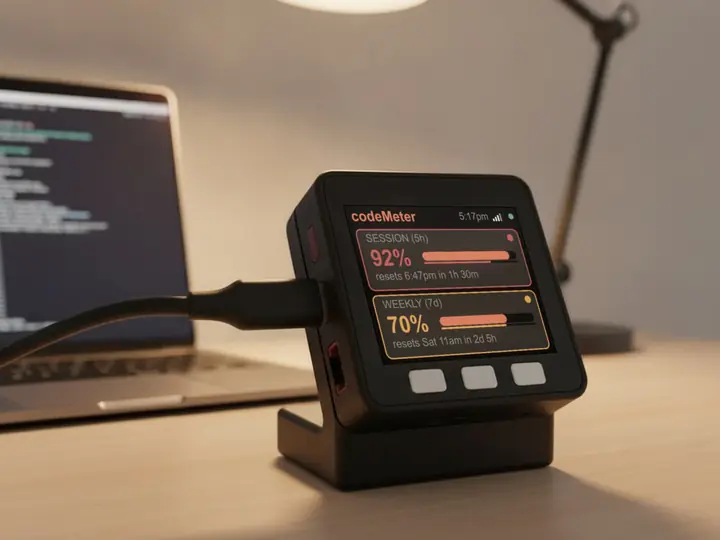
8 stand colours. Pick one to start your build.
FAQ
Questions.
How often does it update?
Every 60 seconds.
Does it show tokens or messages?
No. Claude reports a percent of your limit and when it resets, so that is what codeMeter shows.
Does checking use up my Claude limit?
Each check is one tiny request on Anthropic's cheapest model, once a minute. It is a negligible slice of your allowance.
Does my computer need to stay on?
No. After setup codeMeter runs on its own over Wi-Fi and checks every 60 seconds. Your computer can be off or closed.
Is there a subscription?
No. You buy the device once. Firmware updates are free and install themselves over Wi-Fi; if an update ever fails to start, it rolls back to the previous version.
myDeskMeter