Compare
codeMeter vs the usage page.
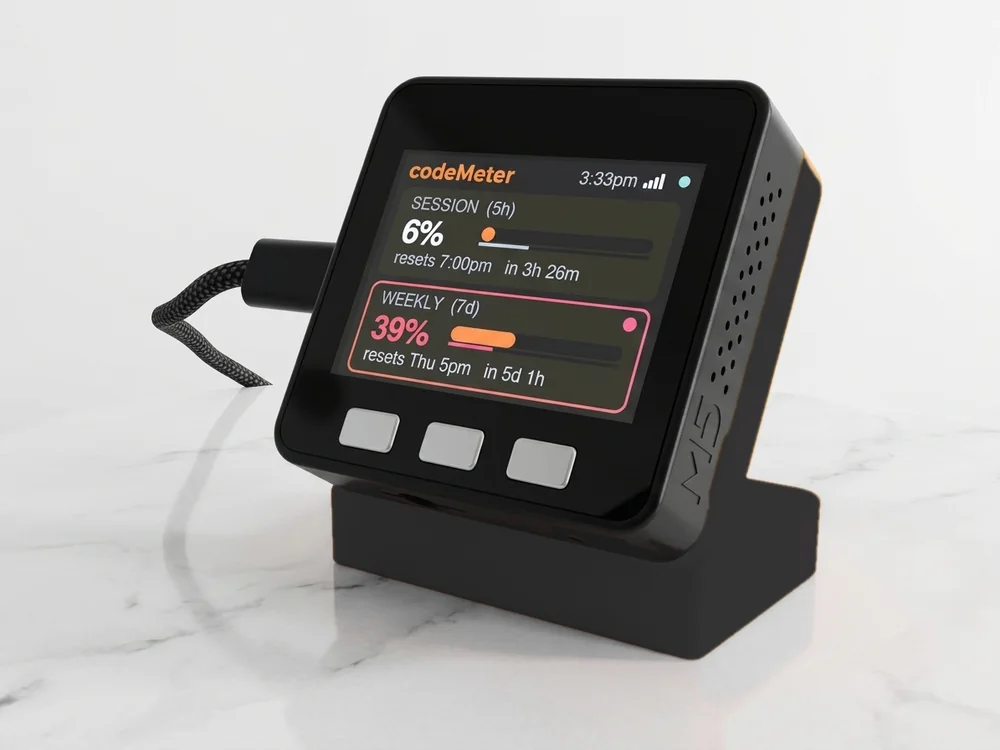
The usage page is free and shows the same numbers. A desk display just keeps them in view.
Side by side
An honest comparison.
| Usage page | codeMeter | |
|---|---|---|
| Cost | Free with your plan | From $119, once |
| Where you see it | When you open it | Always, beside your keyboard |
| Updates | When you reload | Every 60 seconds |
| Pace | You work it out | Amber or red when ahead of the clock |
| Two accounts | Sign in and out | Both on one screen |
| Needs | A browser | 2.4 GHz Wi-Fi; for Claude, a computer once |
Which one
When each makes sense.
- Stick with the pageIf you check your usage now and then and rarely hit a limit.
- Get a displayIf you check often, run long tasks, juggle two accounts or two services, or want to know before you start whether there is room.
In use
Glance, don't check.
It sits beside the keyboard, so your limits are a look away while you work.
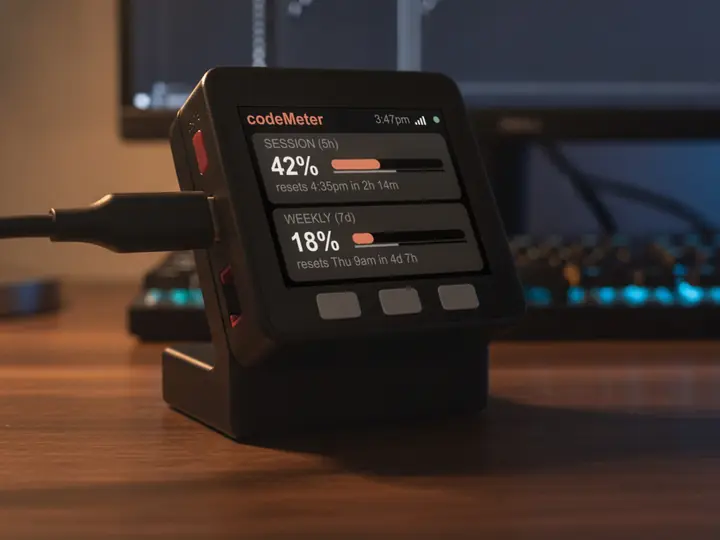
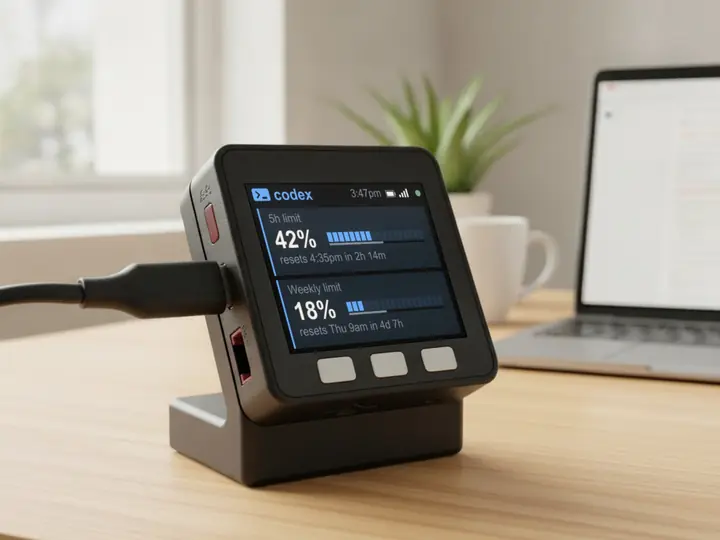
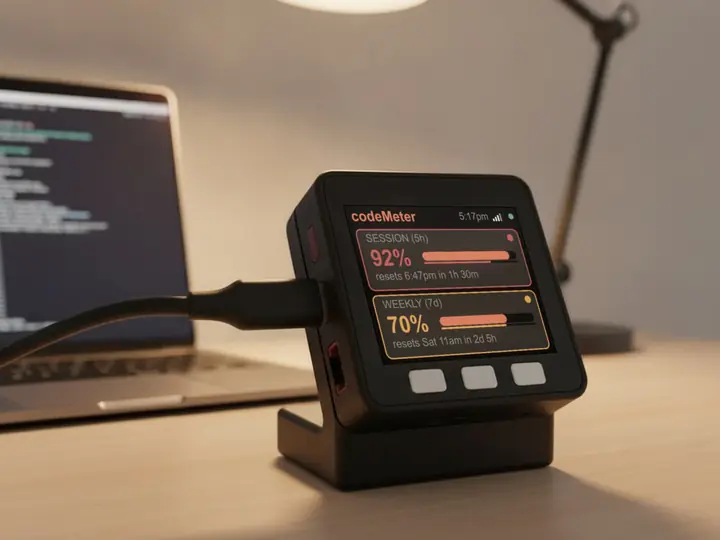
8 stand colours. Pick one to start your build.
FAQ
Questions.
Is a desk display worth it if the usage page is free?
If you check often, or keep hitting a limit mid-task, a screen that is always in view saves the checking. If you rarely look, the free page is enough.
Are the numbers the same?
Yes. codeMeter reads the usage your account reports: the percent used and the reset time for each limit.
Does checking use up my Claude limit?
Each check is one tiny request on Anthropic's cheapest model, once a minute. It is a negligible slice of your allowance.
Is there a subscription?
No. You buy the device once. Firmware updates are free and install themselves over Wi-Fi; if an update ever fails to start, it rolls back to the previous version.
myDeskMeter