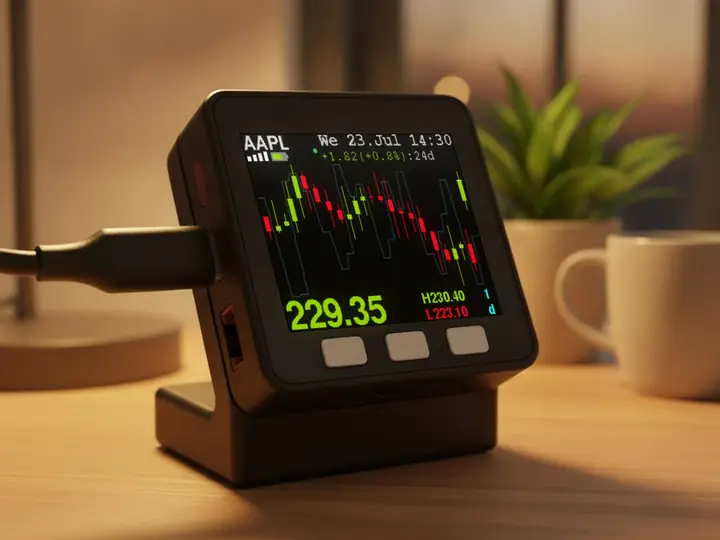
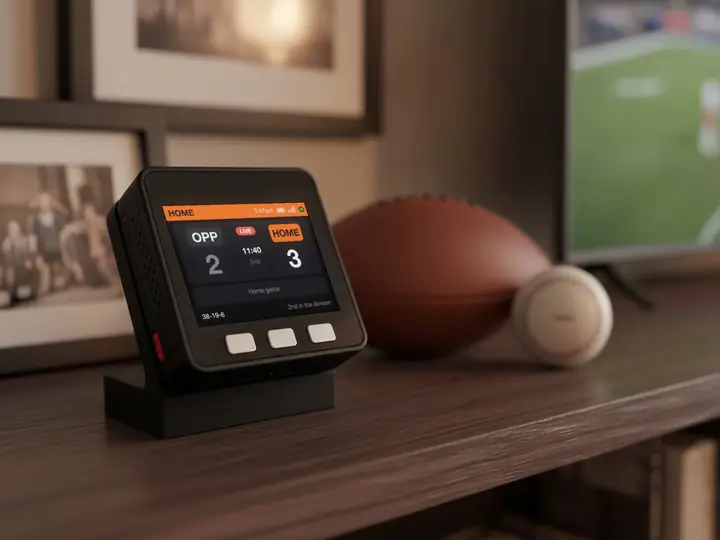
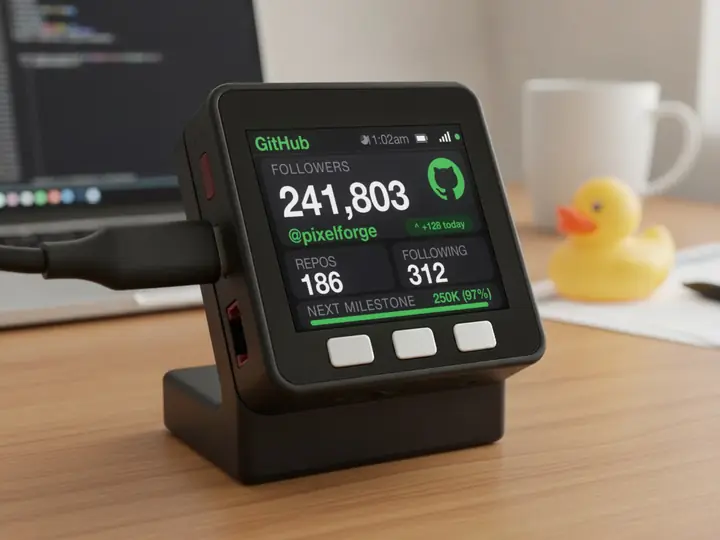
For Claude Code and OpenAI Codex
Your AI coding limits,
on your desk.
A small display that shows how much you have used and when it resets. Live, every minute. No app, no tabs.
In use
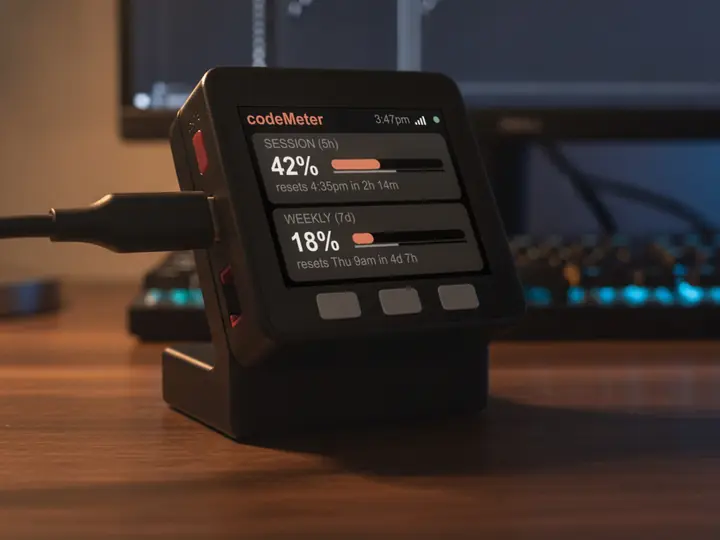
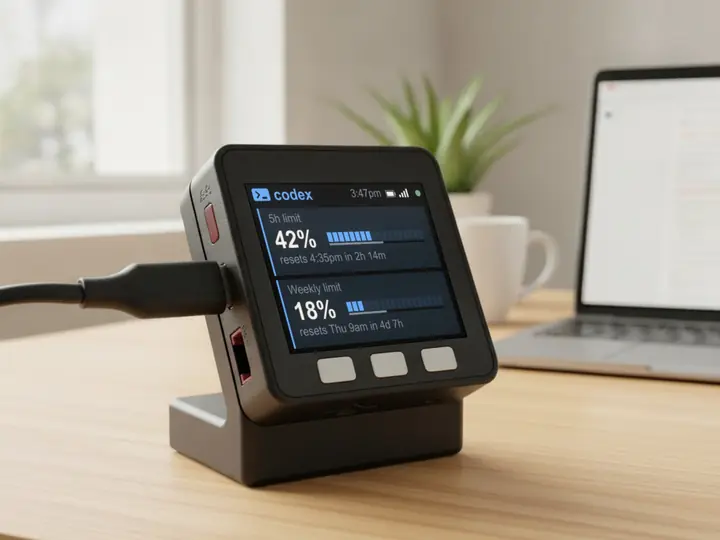
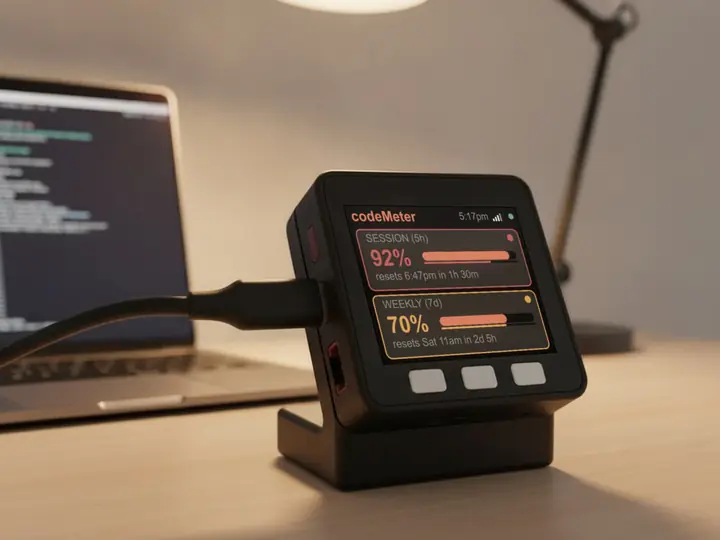
Glance, don't check.
It sits beside the keyboard, so your limits are a look away while you work.
How it works
Know where you stand.
Before you hit the limit.
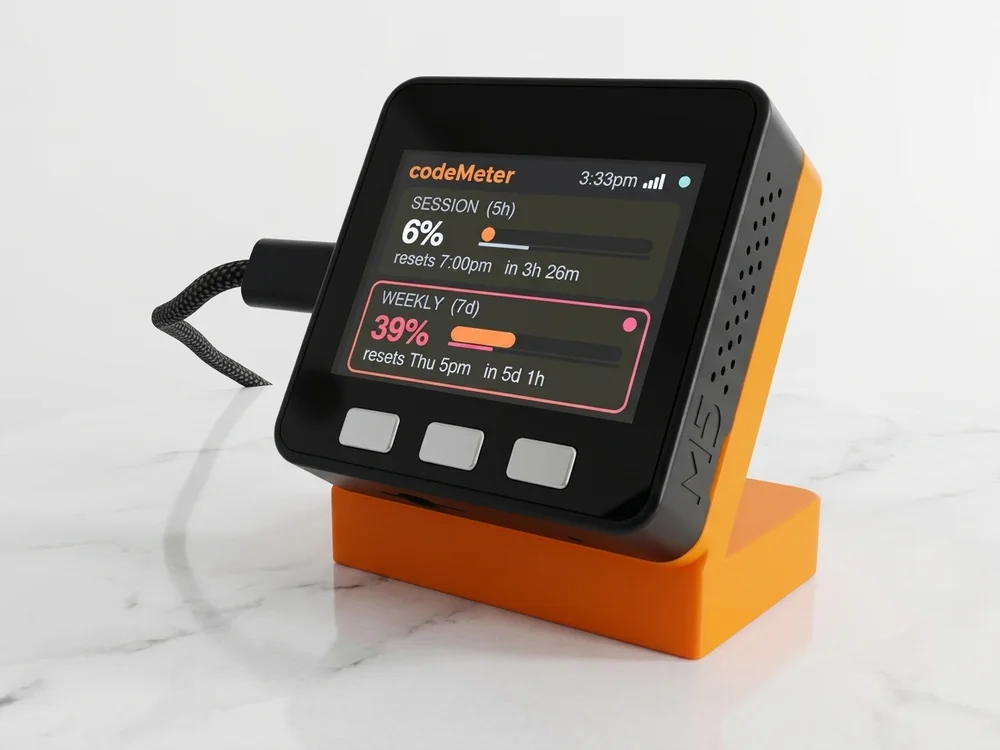
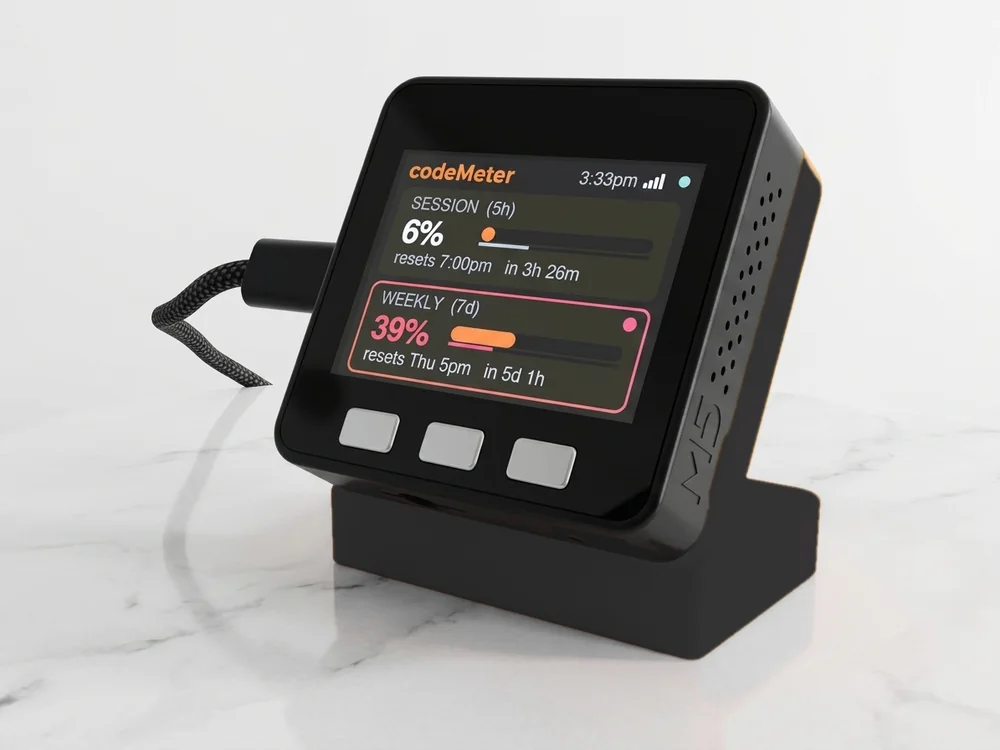
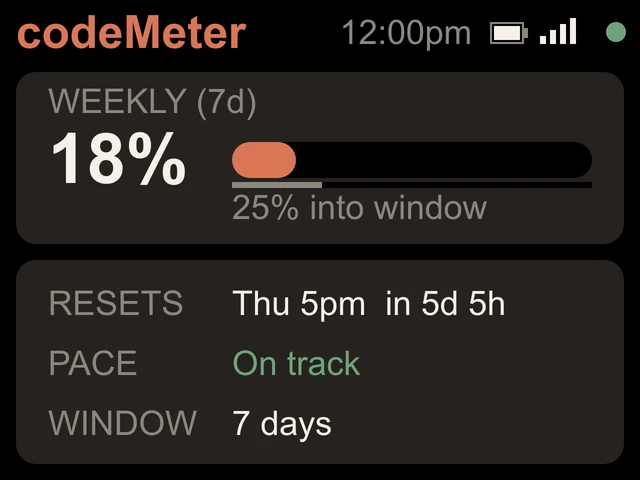
- How much is usedA percent and a bar for each limit: 5-hour, weekly, or monthly.
- When it resetsThe reset time and a countdown, in your time zone.
- If you are on paceThe grey line under each bar is the clock. Get ahead of it and the number turns amber.
Setups
One device. Four ways to set it up.
Pick on your phone during setup. Change it any time.
Find your setup: Your plan Guides Two accounts Claude + Codex Gifts
Updates
It keeps up with the rules.
AI plans change. When they do, we update codeMeter and it installs the new version over Wi-Fi by itself.
Claude Pro and Max move to a weekly limit only.
Every codeMeter updates itself to show it.
20 free updates. No subscription. See what's new
Build yours
Make it yours.
Stands are 3D-printed to order in Encinitas, California.
$119
Buy nowIncludes the stand, a USB-C cable and a setup card. Checkout at encinitas3d.com.
Teams
Your logo, on every desk.
Custom start-up screen with your logo and colours, stands to match. We made 250 for Datadog.
Getting started
Set up in five minutes.
- 1Plug it in
Join its Wi-Fi from your phone. The setup page opens.
- 2Pick a setup
Claude Code, OpenAI Codex, Claude + Codex, or 2 Claude accounts. Then your home Wi-Fi.
- 3Sign in once
Claude: paste a token from
claude setup-token. Codex: enter the code on screen.
Your sign-in stays on the device. No account with us, no app, nothing left running on your computer. Setup guide
FAQ
Questions
Does it work with Claude Pro and Max?
Yes. Since October 30, 2026 Claude Pro and Max have a weekly limit only, so codeMeter shows one large weekly card with the reset time and your pace. If your plan has a 5-hour limit, that line appears too.
Does it work with Claude Team and Enterprise?
Yes. Team and Enterprise accounts report monthly usage, so codeMeter shows the monthly percent, when it resets, and where you are heading by the end of the period.
Does it work with OpenAI Codex?
Yes. Choose OpenAI Codex at setup and sign in with the code shown on the screen. You need a ChatGPT plan that includes Codex, such as Plus or Pro.
Can it show two accounts?
Yes. Choose 2 Claude accounts, or Claude + Codex for one of each. Name each one, up to 10 characters.
Do I need to keep my computer on?
No. You need a computer once per Claude account to run claude setup-token. After that codeMeter runs on its own over Wi-Fi.
Is there a subscription?
No. Updates are free and install themselves over Wi-Fi. If an update ever fails to start, it rolls back to the previous version.
Will it use up my limits?
Each Claude check is one tiny request, a negligible slice of your allowance. Codex checks use none.
What do I need?
A paid plan for each account (Claude Pro, Max, Team or Enterprise; or a ChatGPT plan with Codex) and 2.4 GHz Wi-Fi with a WPA2 password.
What are the specs?
2-inch 320 by 240 colour screen, ESP32, 2.4 GHz Wi-Fi, three buttons, USB-C power or a built-in battery. It checks every 60 seconds.
myDeskMeter