Weekly reset
When your weekly limit resets.
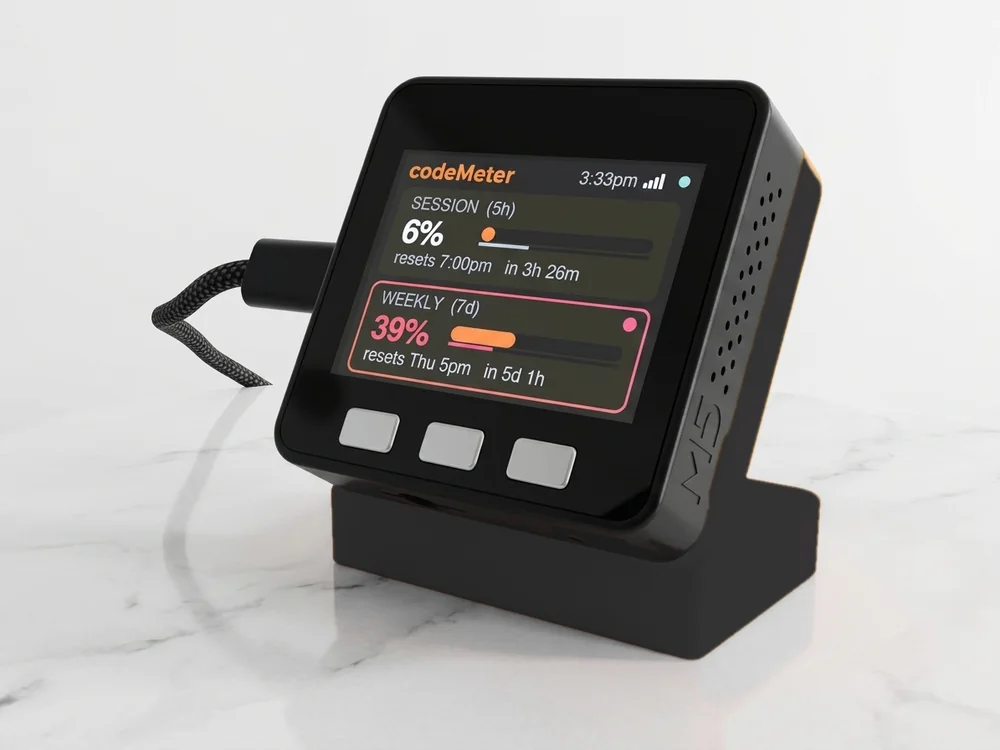
Claude tells your account when its weekly limit resets. codeMeter puts that time, and a countdown, on your desk.
Where the time comes from
Your account, not a guess.
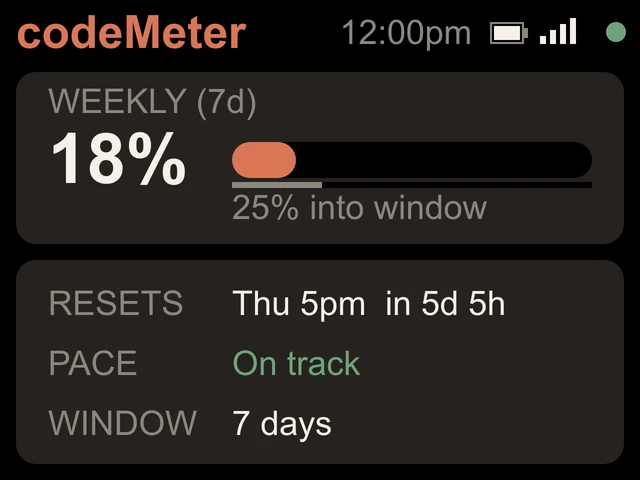
Each check returns the reset time for each of your limits. codeMeter shows it as a day and time in your time zone, like Thu 5pm, and counts down to it: in 5d 5h. Under a day, it shows the clock time and hours and minutes.
The time zone is set automatically, and it corrects itself across daylight saving changes.
Into the window
How far through the week you are.
Under the bar a thin grey line shows how much of the week has passed, and the card says it in words: 25% into window. Used more than that? You are spending faster than the week is passing.
Try it
Enter your reset time.
In use
Glance, don't check.
It sits beside the keyboard, so your limits are a look away while you work.
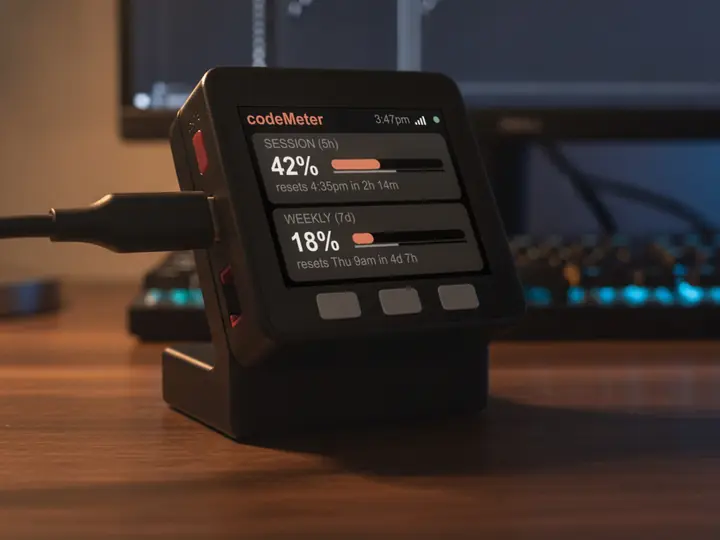
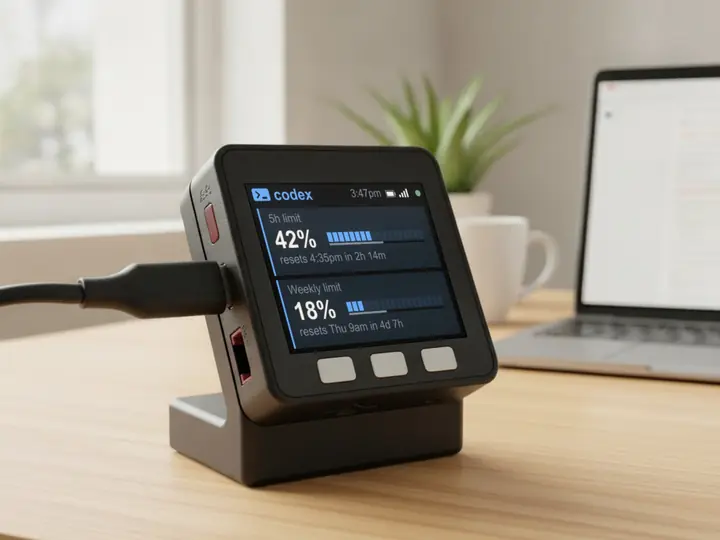
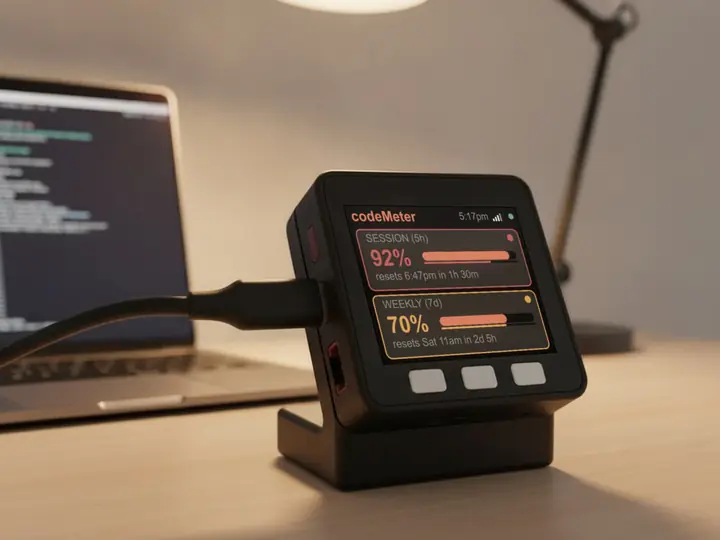
8 stand colours. Pick one to start your build.
FAQ
Questions.
Does every account reset at the same time?
No. The reset time comes from your own account with each check, which is why codeMeter reads it rather than assuming one.
Is the time shown in my time zone?
Yes. codeMeter detects your time zone automatically and re-checks it every 6 hours, so daylight saving changes correct themselves.
What about Team and Enterprise?
They reset monthly. codeMeter shows the reset date and a countdown, plus a month-end forecast.
Does checking use up my Claude limit?
Each check is one tiny request on Anthropic's cheapest model, once a minute. It is a negligible slice of your allowance.
myDeskMeter