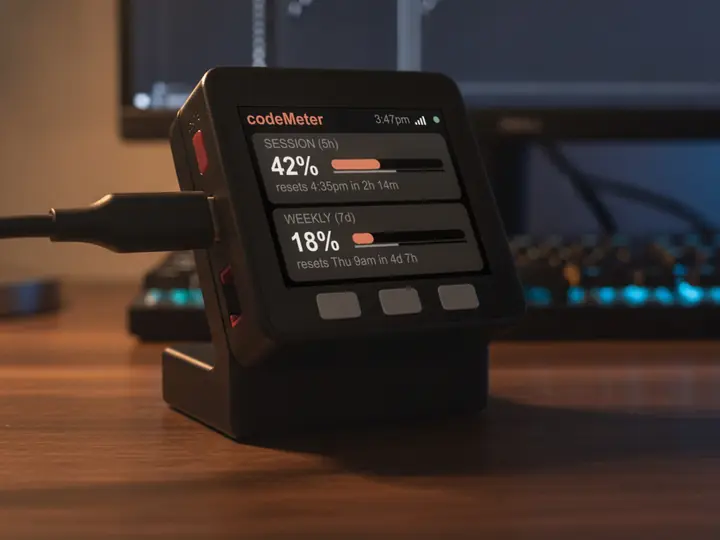
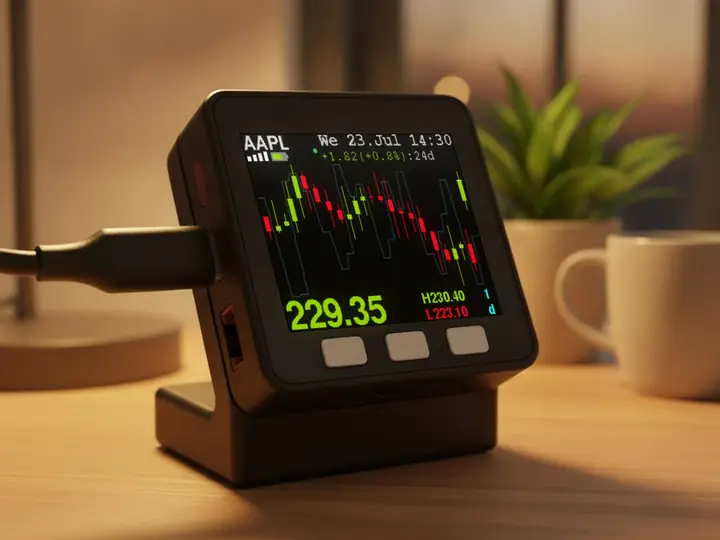
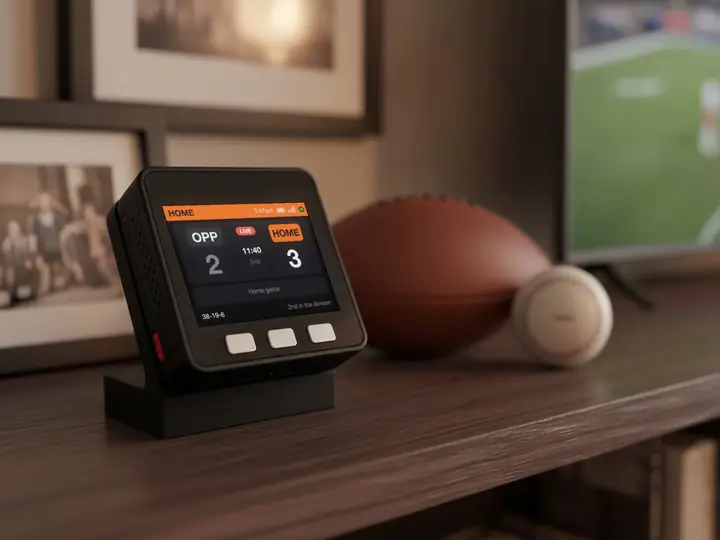
socialMeter for developers
Your project, by the numbers.
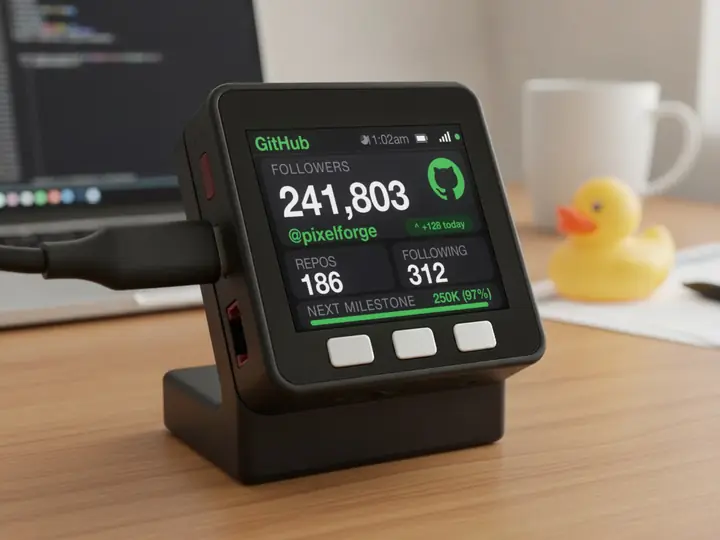
GitHub followers, npm downloads, Docker Hub pulls or your Discourse forum's members, on a small display beside your editor. None of them need a key.
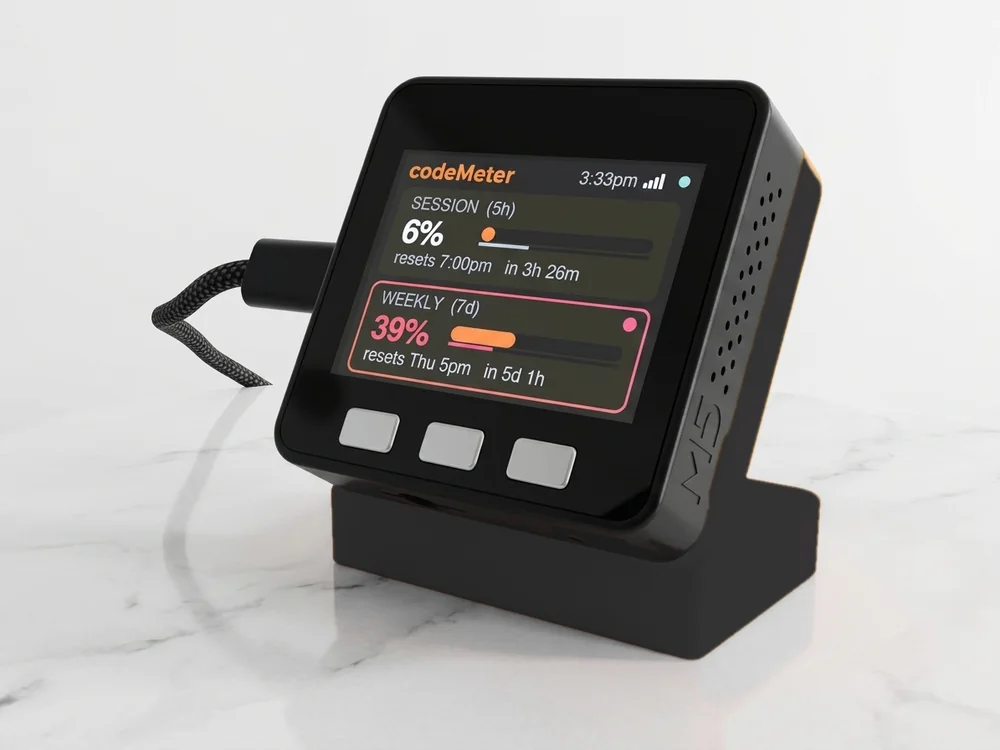
Sample numbers. Yours appear once it is set up.
Which one
Pick the number you watch.
Pick npm or Docker Hub to watch a package's reach, GitHub for an account's followers, or Discourse for your project's forum. All four need only a name.
Every one
Same device, same setup.
- 1Plug it in
Scan the code on its screen to join its Wi-Fi. The setup page opens.
- 2Fill in one page
Your home Wi-Fi, the platform, and your name or ID (plus a key if it needs one).
- 3Watch it count
Your number appears within about 30 seconds and refreshes every minute.
In use
Your count, while you create.
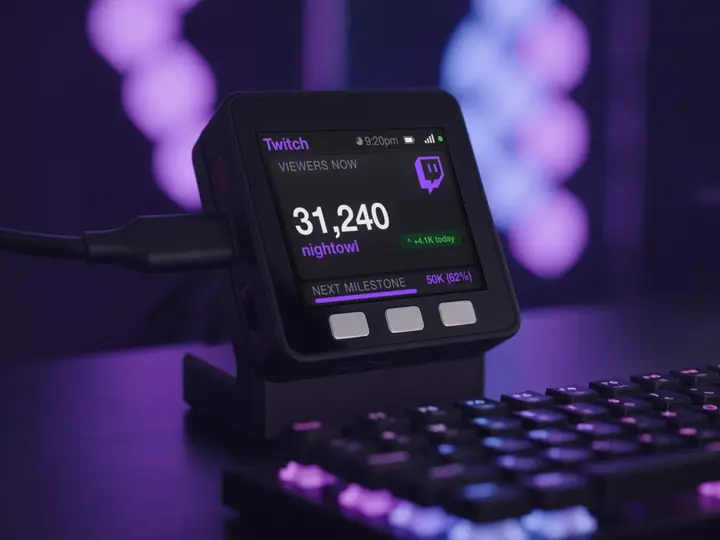
It sits by the mic and keeps counting while you work on the next one.
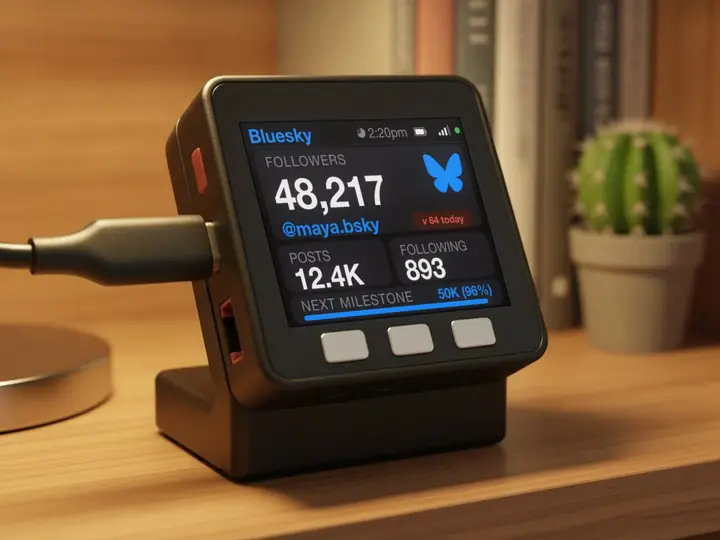
7 stand colours. Pick one to start your build.
FAQ
Questions.
Does it count GitHub stars?
No. GitHub shows the account's followers, public repos and following. For a package's reach, npm weekly downloads or Docker Hub pulls are the closer number.
Do any of these need a token?
No. GitHub takes an optional personal access token so it can check every minute instead of every two, but it is not required.
Can I flash my own firmware on it?
It runs socialMeter's firmware and updates itself over Wi-Fi. It is built for the count, not as a dev board.
myDeskMeter