Plans
Every plan, on your desk.
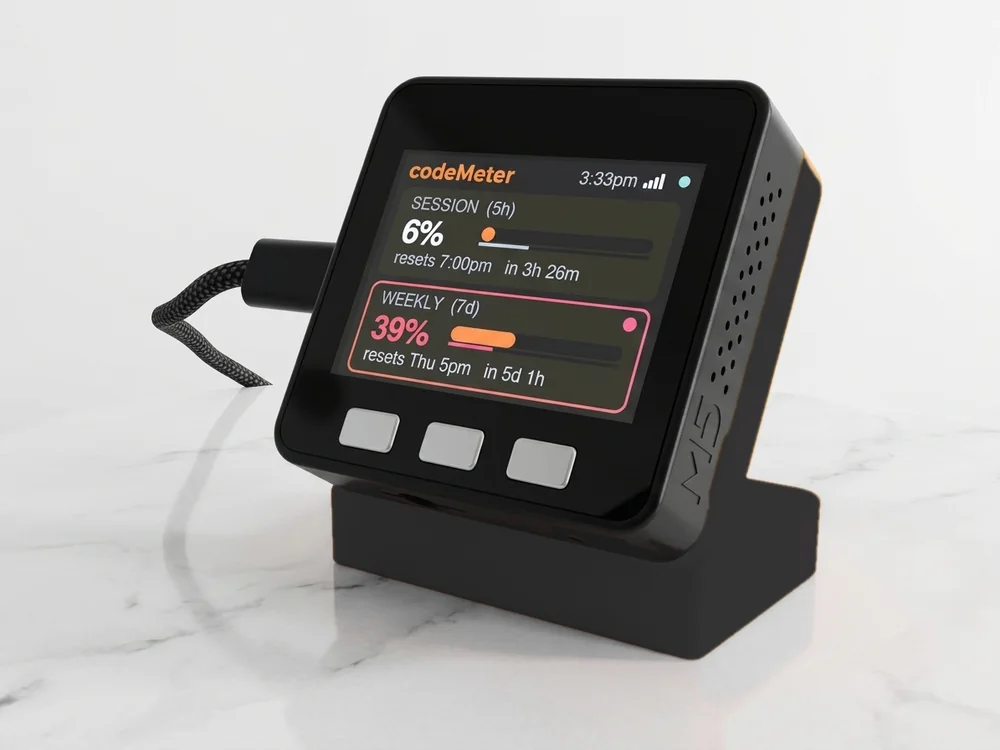
codeMeter shows the limits your plan reports, and nothing else. Pick yours.
Pick your plan
What you will see.
At a glance
Limits by plan.
As reported by each service in November 2026. If your plan changes, the screen follows.
| Plan | What the screen shows | Sign-in |
|---|---|---|
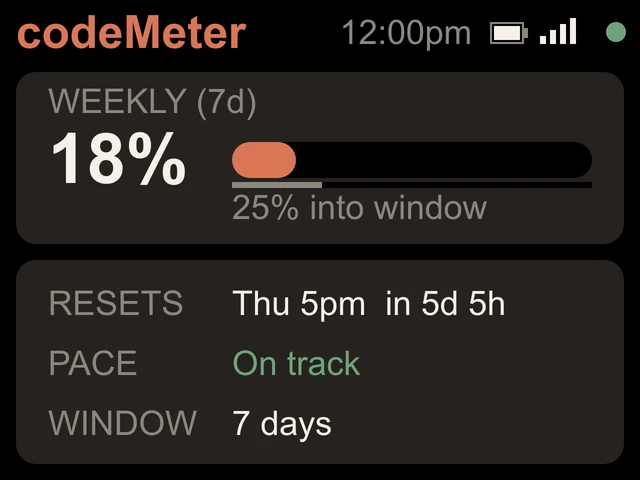
| Claude Pro, Max | Weekly (7 days): percent used, reset time, countdown, pace | claude setup-token |
| Claude Team, Enterprise | Monthly: percent used, reset date, month-end forecast | claude setup-token |
| ChatGPT Plus with Codex | 5-hour and Weekly: percent left, reset times | Code on the device |
| ChatGPT Pro with Codex | The limits Pro reports (weekly in our testing) | Code on the device |
| ChatGPT Business, Enterprise | Not verified yet: ask us first | Code on the device |
In use
Glance, don't check.
It sits beside the keyboard, so your limits are a look away while you work.
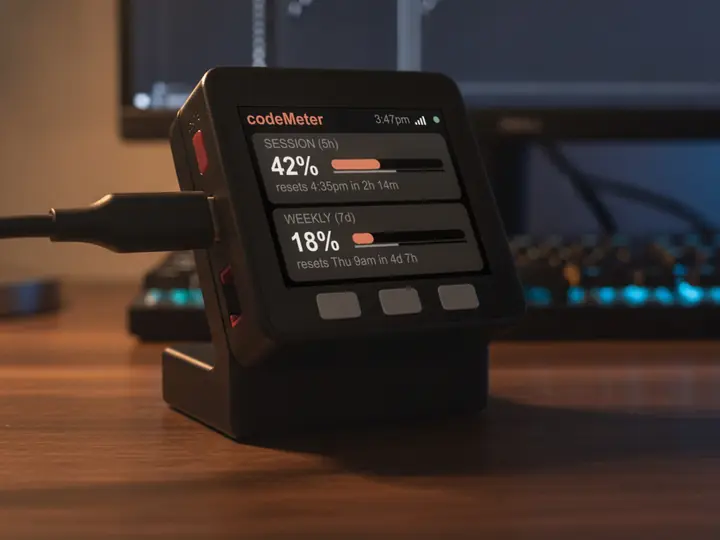
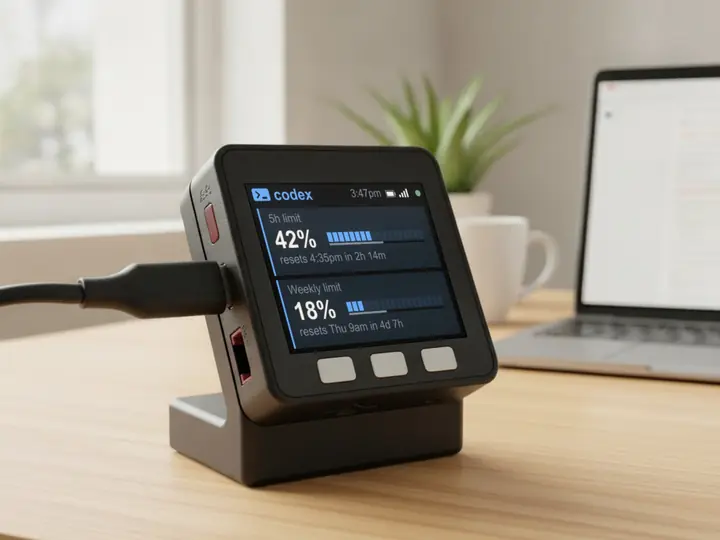
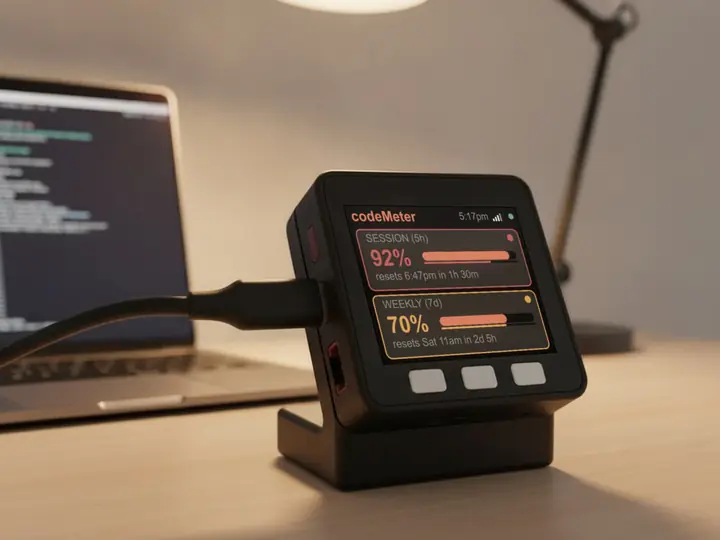
8 stand colours. Pick one to start your build.
FAQ
Questions.
Which plans does codeMeter work with?
Claude Pro, Max, Team and Enterprise, and ChatGPT plans that include Codex, such as Plus and Pro. ChatGPT Business and Enterprise workspaces have not been verified yet.
Does it work with the free Claude or ChatGPT plan?
No. codeMeter shows your plan's usage limits, so you need a paid plan for each account you show.
What happens if my plan's limits change?
The screen shows whatever limits your plan reports. When Claude Pro and Max moved to a weekly limit only on October 30, 2026, every codeMeter updated itself the next day.
What do I need?
A paid plan for each account you show (Claude Pro, Max, Team or Enterprise, or a ChatGPT plan with Codex), 2.4 GHz Wi-Fi with a WPA2 password, and, for Claude, a computer once per account to run claude setup-token.
myDeskMeter