Compare
codeMeter vs menu bar apps.
Software lives on your computer. codeMeter is a screen of its own.
The difference
Off the computer, on the desk.
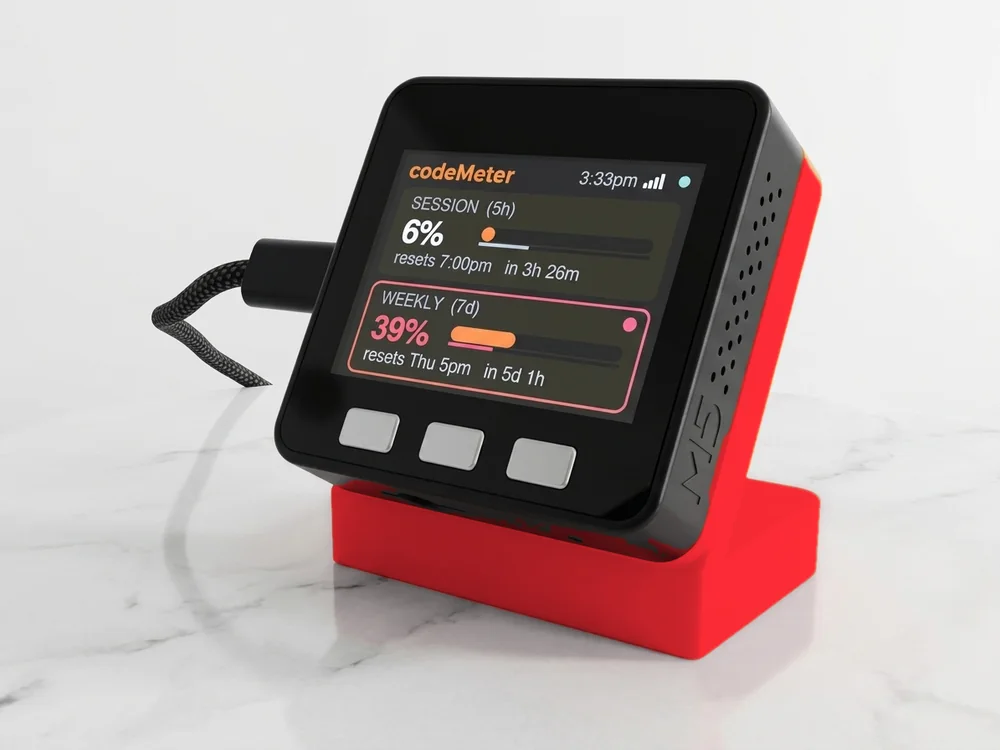
- Runs without your computercodeMeter joins Wi-Fi itself, so it keeps counting with the laptop closed, on another machine, or off.
- Nothing to installNo app, no daemon, nothing left running. Setup is your phone and, for Claude, one command.
- Big and glanceableA 2-inch colour screen with one or two cards, readable from across the desk, not a few characters in a menu bar.
- It costs moneySoftware is often free. codeMeter is from $119, once, with free updates.
Who it suits
If you live in a terminal.
If you already keep a usage readout in your menu bar and like it, you may not need this. codeMeter suits people who want it off the screen, who switch machines, or who want Claude and Codex, or two accounts, in one place.
In use
Glance, don't check.
It sits beside the keyboard, so your limits are a look away while you work.
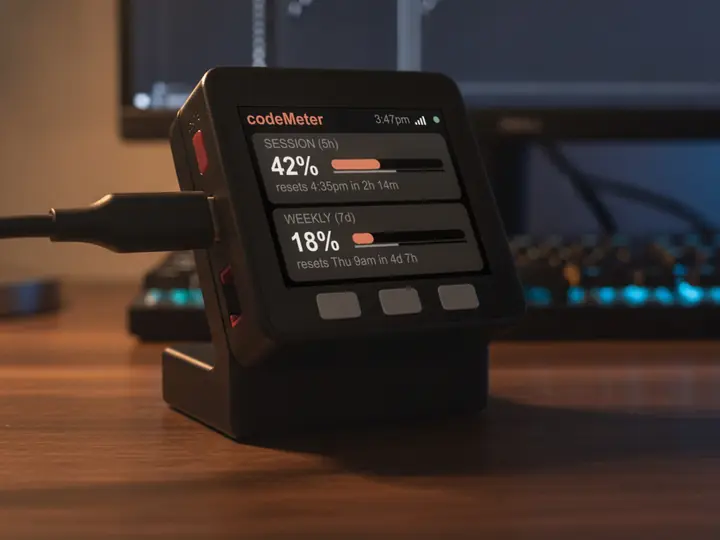
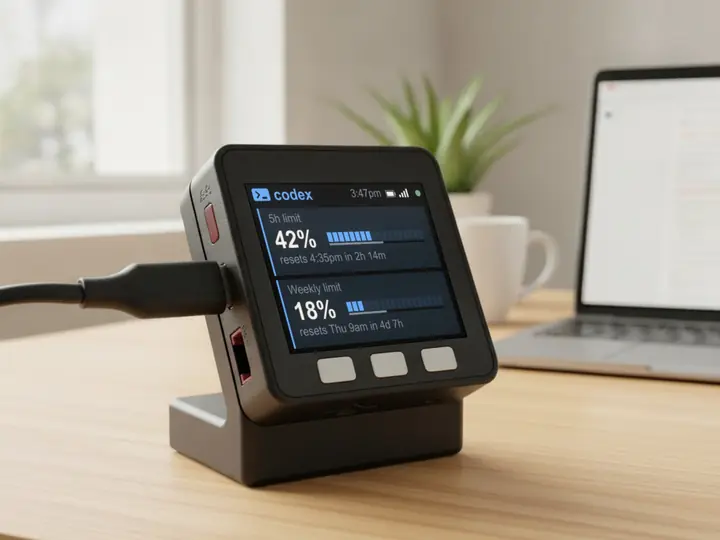
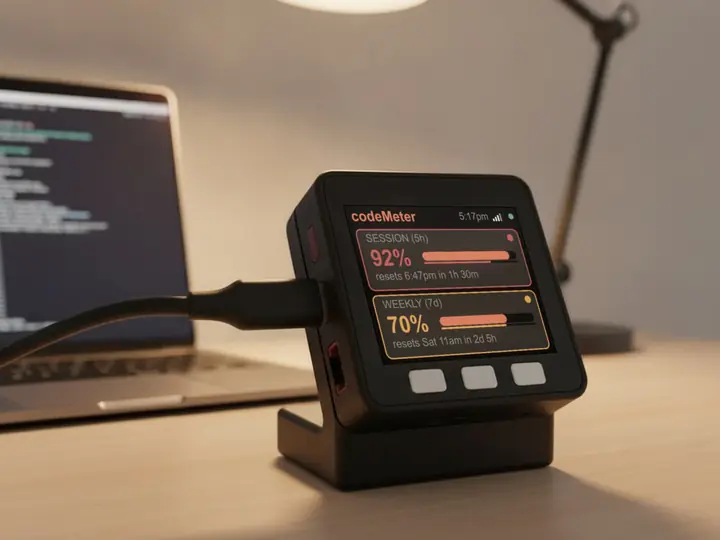
8 stand colours. Pick one to start your build.
FAQ
Questions.
Does codeMeter need software on my computer?
No. You need a computer once per Claude account to run claude setup-token; Codex needs no computer at all. After that nothing runs on your computer.
Where is my sign-in stored?
On the device only. There is no account with us and no server of ours in between.
Is there a subscription?
No. You buy the device once. Firmware updates are free and install themselves over Wi-Fi; if an update ever fails to start, it rolls back to the previous version.
myDeskMeter