Privacy and security
Your sign-in stays on the device.
No account with us, no server of ours in between. Here is exactly what it talks to.
Connections
What it connects to.
| Where | Why |
|---|---|
| Anthropic | Your Claude usage, over TLS |
| OpenAI | Your Codex usage and sign-in, over TLS |
| GitHub | Firmware updates |
| Internet time servers | The clock |
| ip-api.com | Your time zone |
What we never see
Nothing passes through us.
- Claude tokenYou paste it over the device's own local Wi-Fi. The pairing page builds its QR in your browser, so nothing is uploaded.
- ChatGPT passwordYou sign in on OpenAI's own page on your phone. The device never sees your password.
- Usage numbersThey go from Anthropic or OpenAI straight to the device.
Lost or sold
Revoke, then wipe.
- 1Revoke
Claude: revoke the device from your Claude account settings. Codex: sign out from ChatGPT's security settings, for example Log out of all devices.
- 2Wipe
Hold C about 7 seconds (a red RESET screen appears at 5 seconds, keep holding). This clears Wi-Fi, tokens and names.
- 3Set up again
It boots into setup, ready for a new owner.
In use
Glance, don't check.
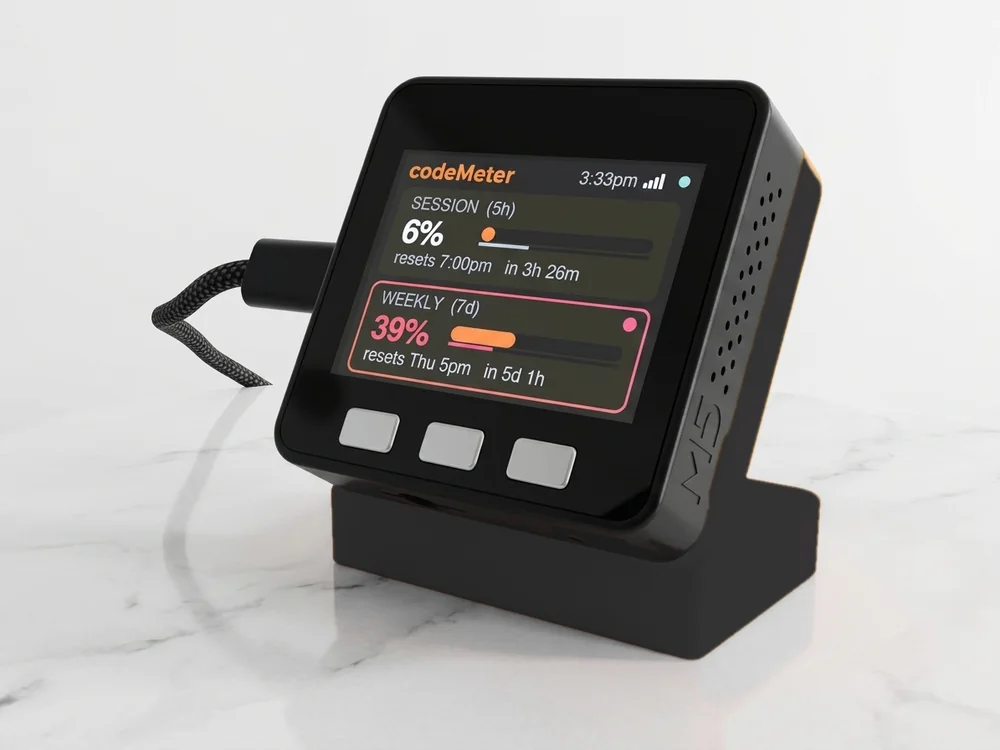
It sits beside the keyboard, so your limits are a look away while you work.
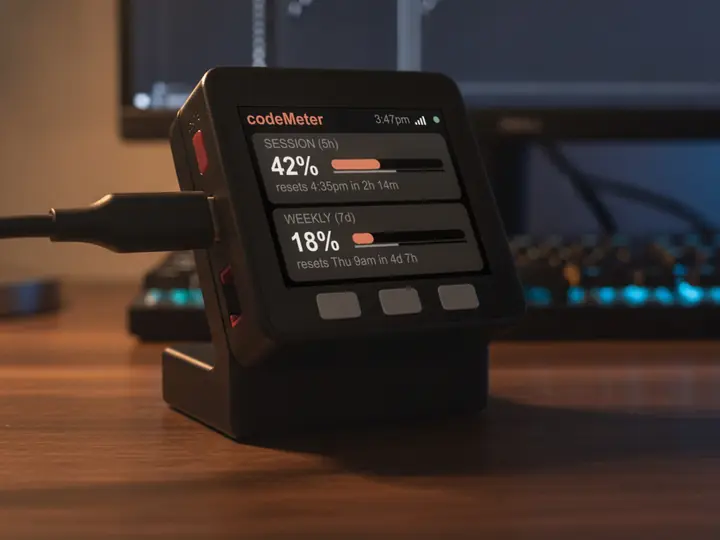
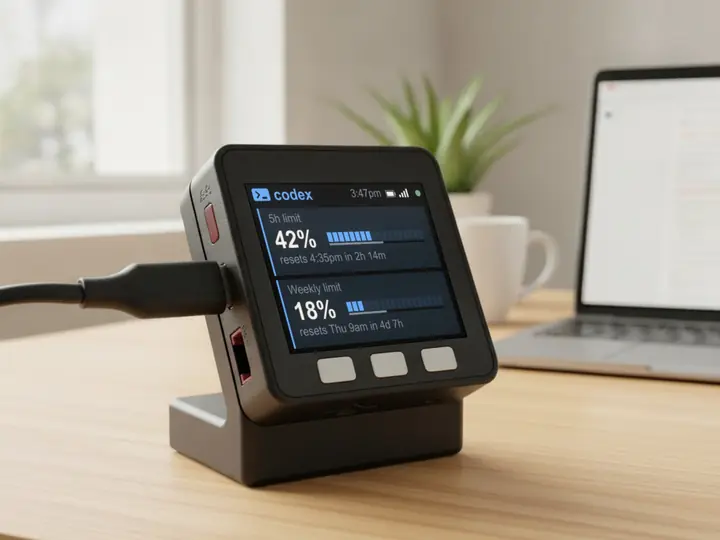
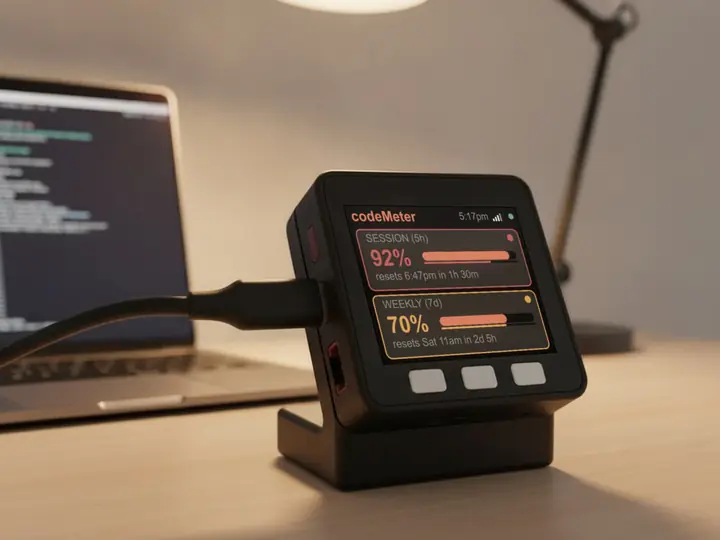
8 stand colours. Pick one to start your build.
FAQ
Questions.
Do I need an account with you?
No. There is no Encinitas 3D account and no server of ours.
Is codeMeter an official Anthropic or OpenAI product?
No. It is an independent product, not made by, endorsed by, or affiliated with Anthropic or OpenAI. It reads usage numbers your own account can see.
What if my Wi-Fi blocks ip-api.com?
The time zone lookup can fail and the clock may show the wrong zone. Allow ip-api.com in your network filter.
myDeskMeter