Setup guide
Set up with Codex.
Phone only. No command line, nothing to copy and paste.
Steps
Three steps.
- 1Plug it in
Join the
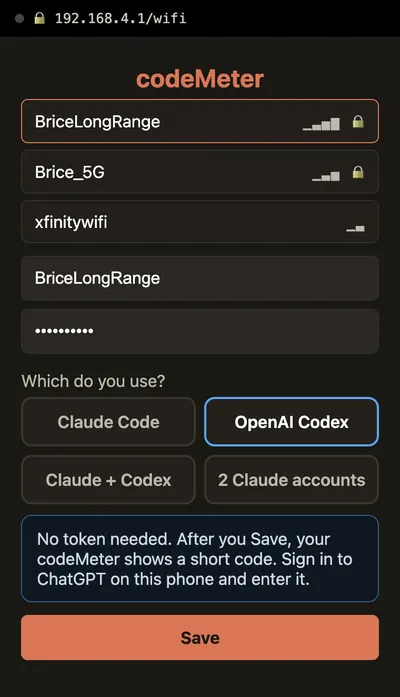
codeMeter-XXXXXXWi-Fi from your phone and tap Setup Device. - 2Pick OpenAI Codex
Choose your home Wi-Fi, enter its password and Save. No token, no computer.
- 3Type the code
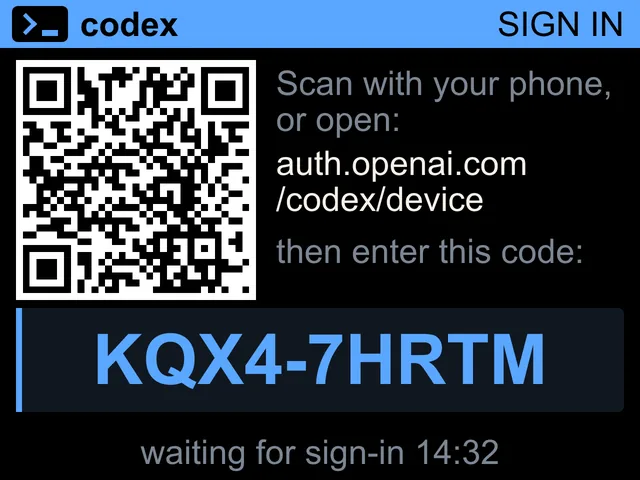
The device restarts and shows a code and a QR. Open
auth.openai.com/codex/device, sign in to ChatGPT and type the code.
On the device
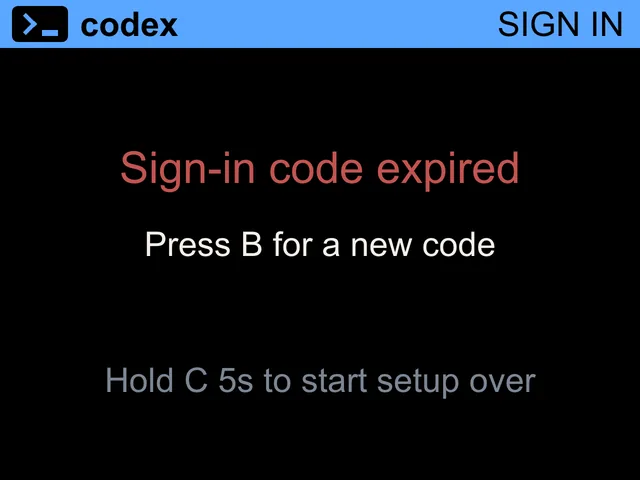
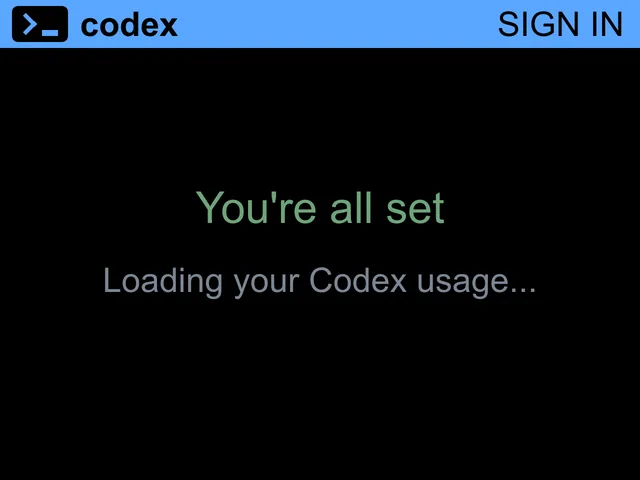
What the screen says.
On your phone
The setup page.
In use
Glance, don't check.
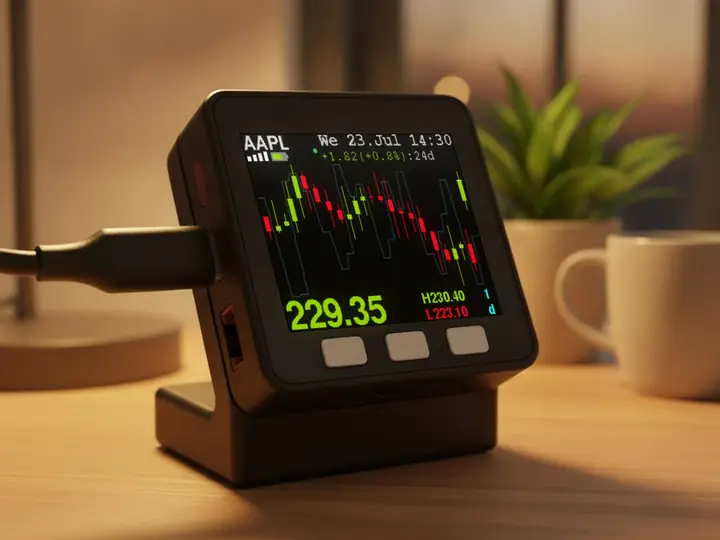
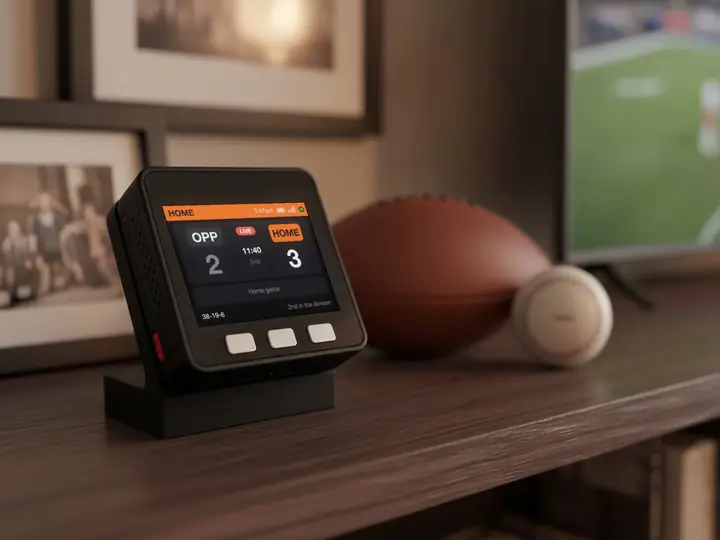
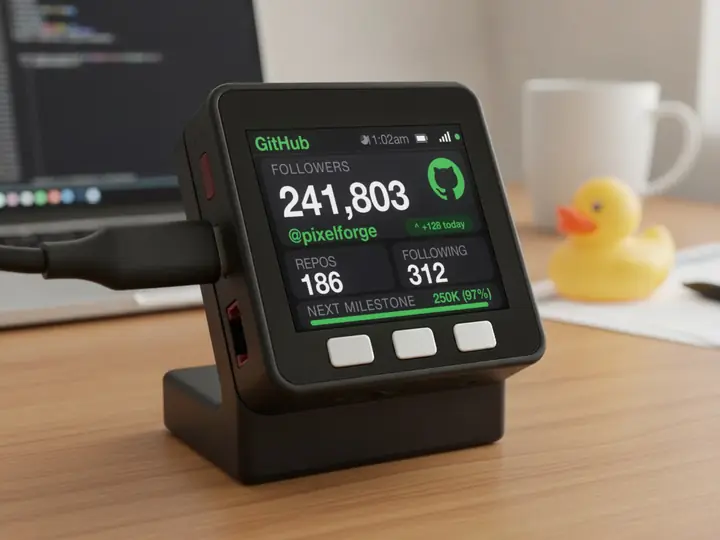
It sits beside the keyboard, so your limits are a look away while you work.
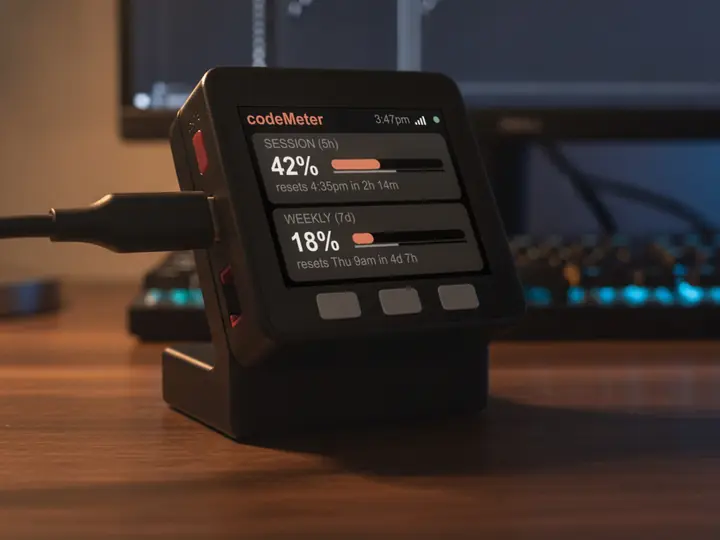
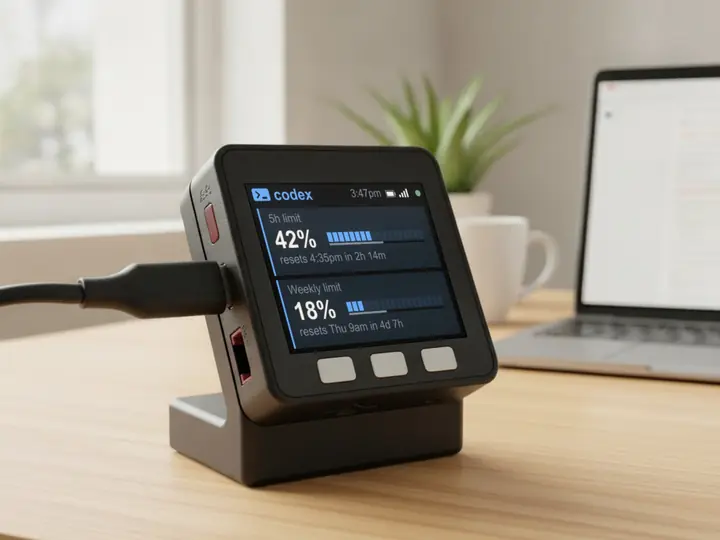
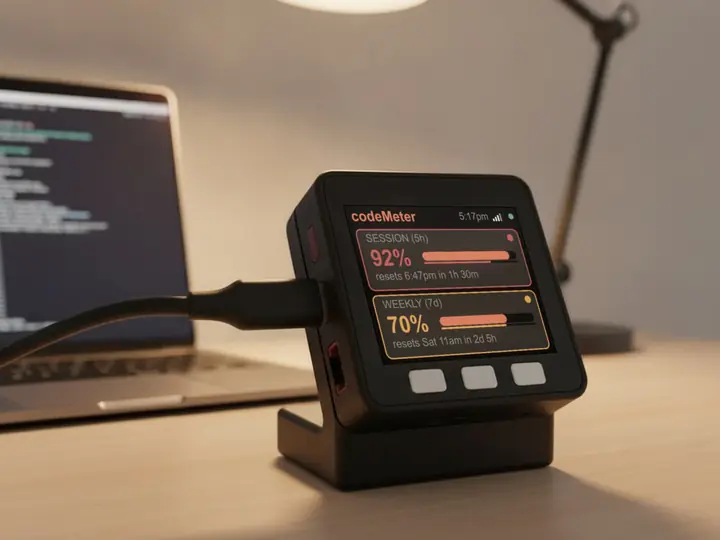
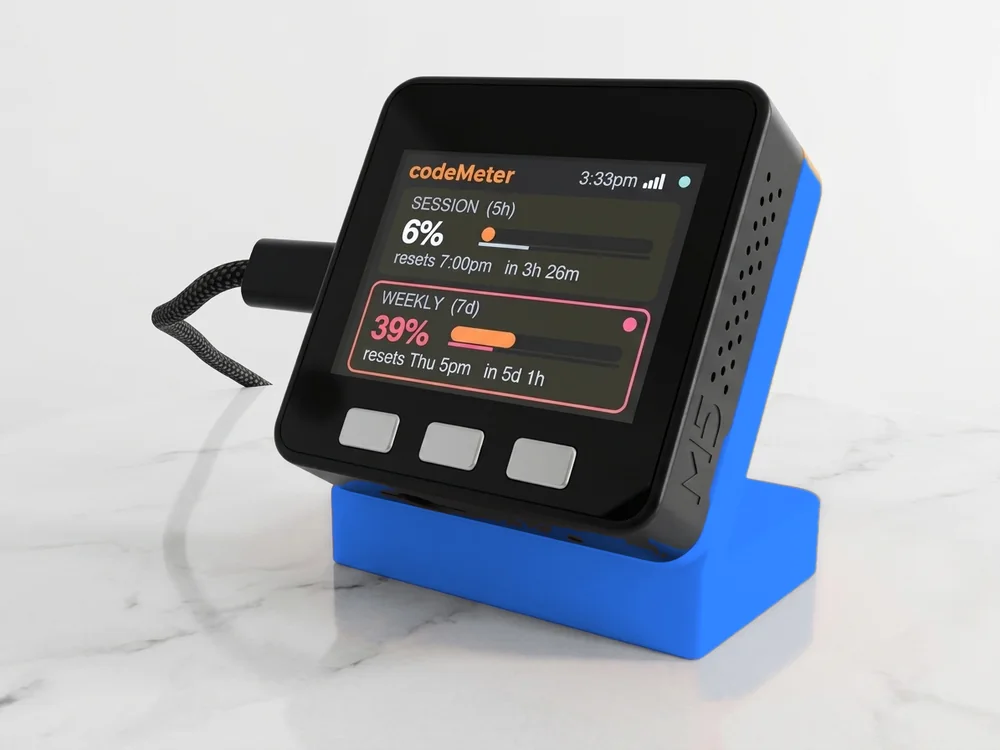
8 stand colours. Pick one to start your build.
FAQ
Questions.
Do I need a computer or the Codex CLI?
No. Codex setup is done entirely on your phone.
The code expired. Now what?
Codes are valid for 15 minutes. When one expires, press B for a new code.
How long does the sign-in last?
The device renews it automatically, about every 10 days. If it lapses the screen says Codex login expired: hold B about 7 seconds and sign in again. Your Wi-Fi is kept.
Does it see my ChatGPT password?
No. You sign in on OpenAI's own page on your phone. The device stores only its own sign-in, on the device.
myDeskMeter