Codex for teams
Codex on a team plan.
An honest answer: ChatGPT Business and Enterprise workspaces have not been verified on codeMeter yet.
Where it stands
Verified, and not yet.
| Plan | Status |
|---|---|
| ChatGPT Plus | Verified: 5-hour and weekly limits |
| ChatGPT Pro | Verified: weekly limit |
| ChatGPT Business, Enterprise | Not verified. It may work, or the bars may stay blank |
Why
It reads what the plan reports.
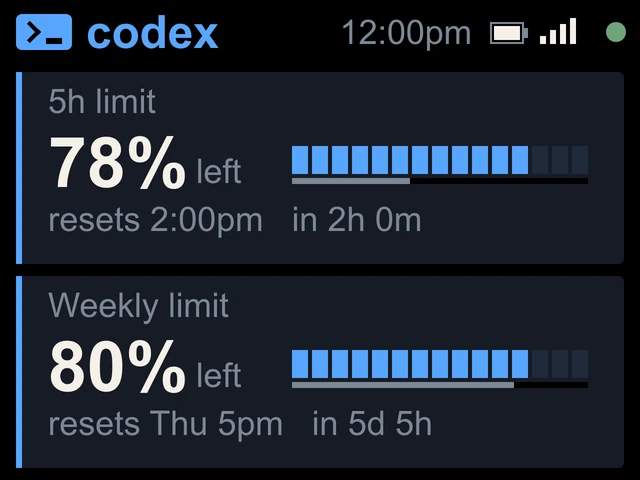
codeMeter reads the same usage numbers the Codex CLI's /status uses, and sorts each limit by its length: 5-hour, weekly or monthly. So a plan with a different set of limits should still show whichever ones it reports.
But nobody has run a Business or Enterprise workspace on it yet, so we will not promise it. Ask us before you buy at [email protected].
Claude teams
Claude Team is verified.
If your team also uses Claude, Team and Enterprise accounts are supported and show a monthly screen with a forecast. See Claude Team, or the team rollout guide.
In use
Glance, don't check.
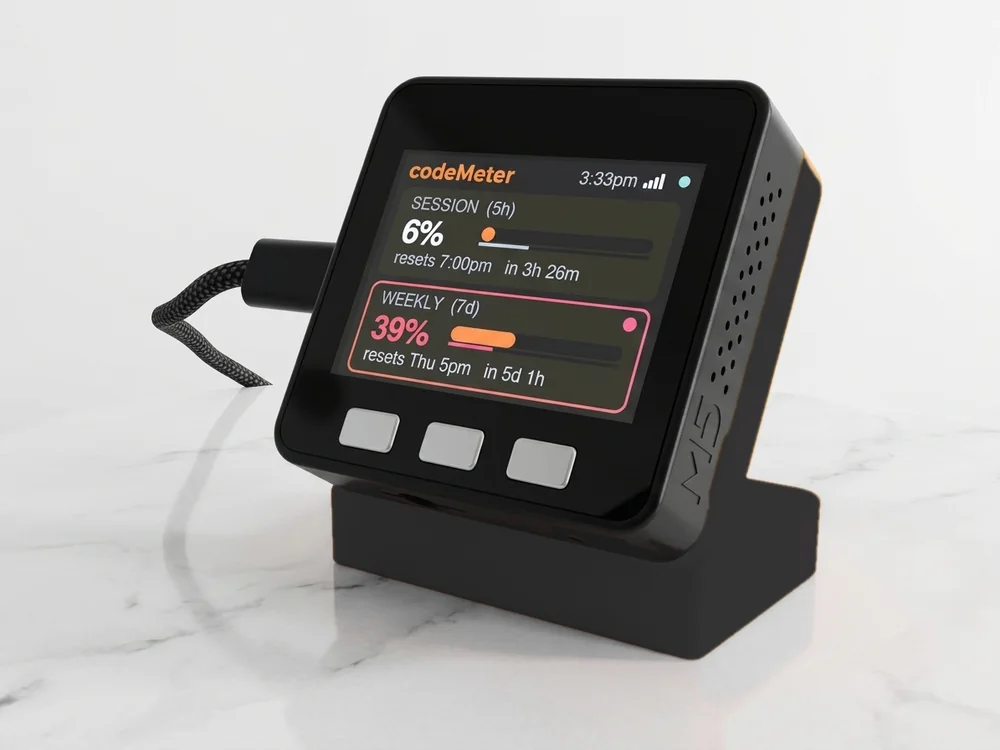
It sits beside the keyboard, so your limits are a look away while you work.
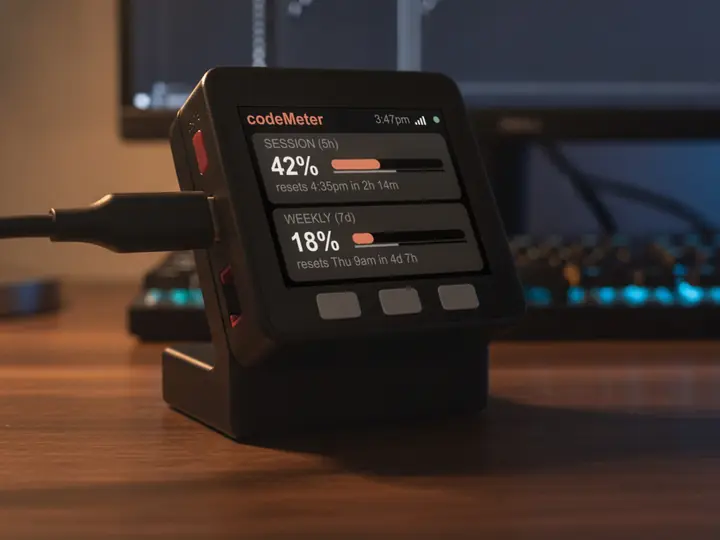
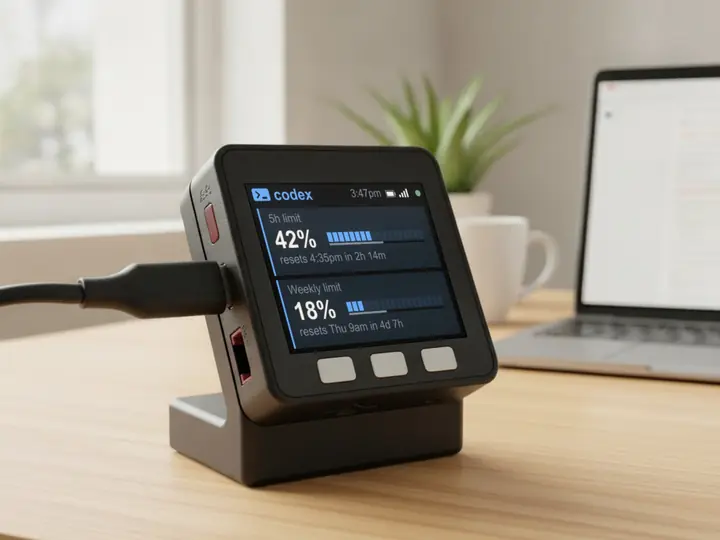
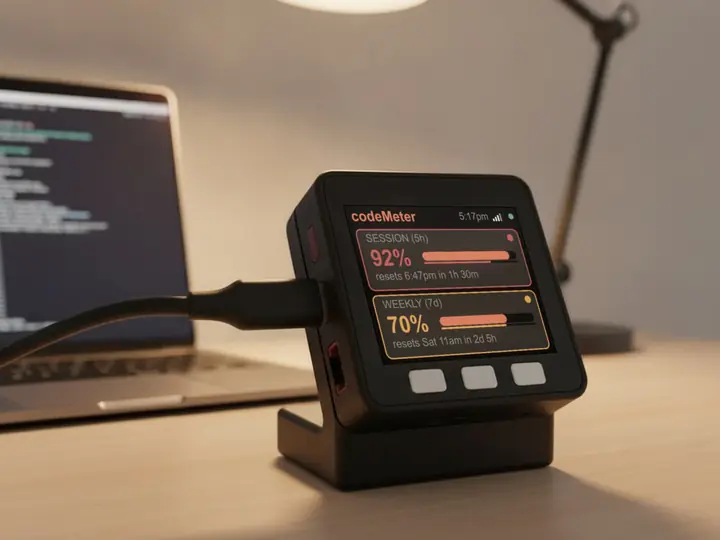
8 stand colours. Pick one to start your build.
FAQ
Questions.
Does codeMeter work with ChatGPT Business or Enterprise?
Not verified yet. It may work, or the bars may stay blank. Please ask us before buying.
Which Codex plans are verified?
ChatGPT Plus (5-hour and weekly) and ChatGPT Pro (weekly).
How does a Codex device sign in?
It shows a code and a QR. You sign in to ChatGPT on OpenAI's page on your phone and type the code. The device then renews its own sign-in.
myDeskMeter