socialMeter for Steam
A Steam player counter for your desk.
How many people are playing your game on Steam right now, with its review count, live on your desk. Just the app ID.
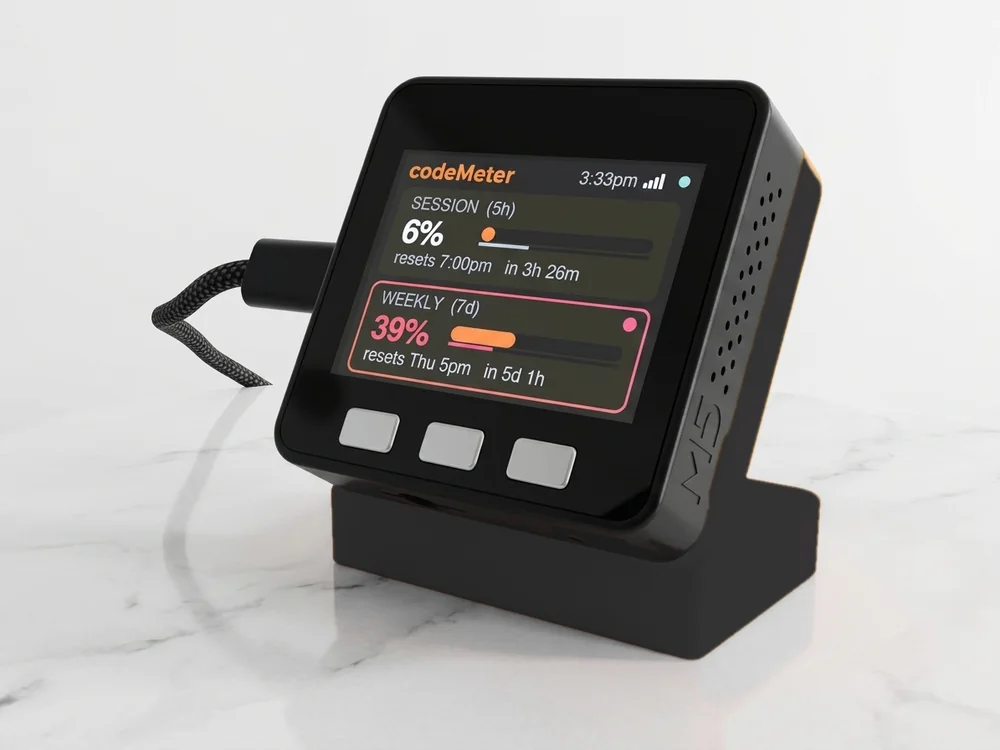
Sample numbers. Yours appear once it is set up.
On the screen
What it shows for Steam.
The labels below are the ones printed on the device.
- PLAYERS NOW
- Concurrent players in the game right now, from Steam's public player-count API.
- REVIEWS
- Total user reviews.
- POSITIVE
- Positive reviews.
- No today pill
- Players right now rise and fall, so the device leaves out a daily gain.
- NEXT MILESTONE
- A bar to the next round number (1, 2 or 5 followed by zeros), with how far along you are.
- Circle and dot
- The circle empties until the next check. The dot is green while the number is live, amber while it shows the last reading, red when something needs a look.
Checks: Every 60 seconds.
What you need
Set up in a few minutes.
It needs only your Steam app ID: no key, no login. Your Steam app ID stays on the device. No account with us, no app.
- Find your Steam app IDThe number in the game's store link, like
store.steampowered.com/app/570.example570 - Plug it in and join its Wi-FiPower it with any USB-C cable. Scan the code on its screen (or join the Social Meter-XXXXXX network) and the setup page opens. If it does not, visit
192.168.4.1. - Choose Steam and fill in one pagePick Steam from the list and type your Steam app ID. Leave the API-key box blank.
- Pick your home Wi-Fi and saveChoose your 2.4 GHz Wi-Fi, type its password and tap Save. It restarts and shows your number within about 30 seconds.
Same device
Or count something else.
It counts one platform at a time. Switch from your phone whenever you like.
In use
Your count, while you create.
It sits by the mic and keeps counting while you work on the next one.
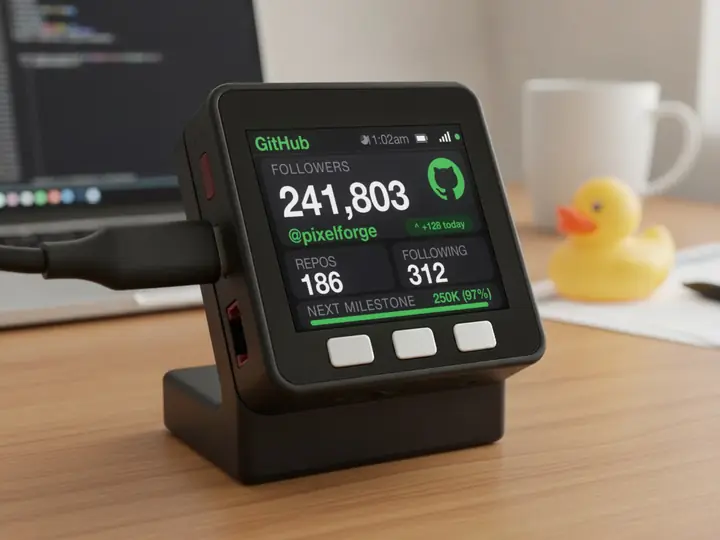
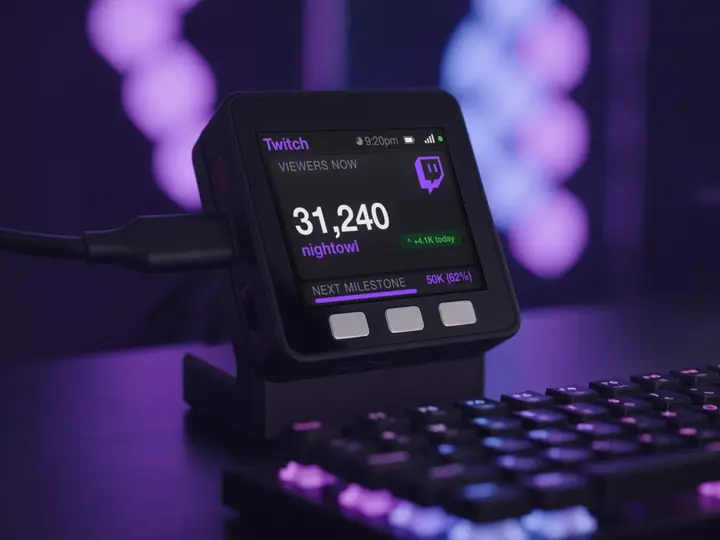
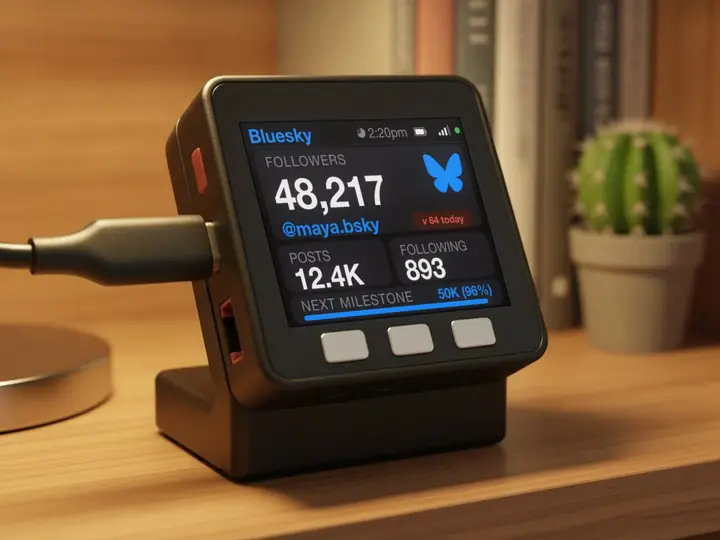
7 stand colours. Pick one to start your build.
FAQ
Questions.
Do I need a Steam Web API key?
No. Current player counts and review totals are public, so the app ID is enough.
Can I watch any game, not just mine?
Yes. Any game with a Steam store page works. Type its app ID.
Why no today number?
Players rise and fall all day, so the device shows the count right now and leaves out a daily gain.
Does it need my Steam password?
No. Steam players right now are public, so it needs only the Steam app ID.
myDeskMeter