socialMeter for game developers and server owners
Who is playing, right now.
Players in your Steam game or Roblox experience, or on your Minecraft server, live on a small display. None of them need a key.
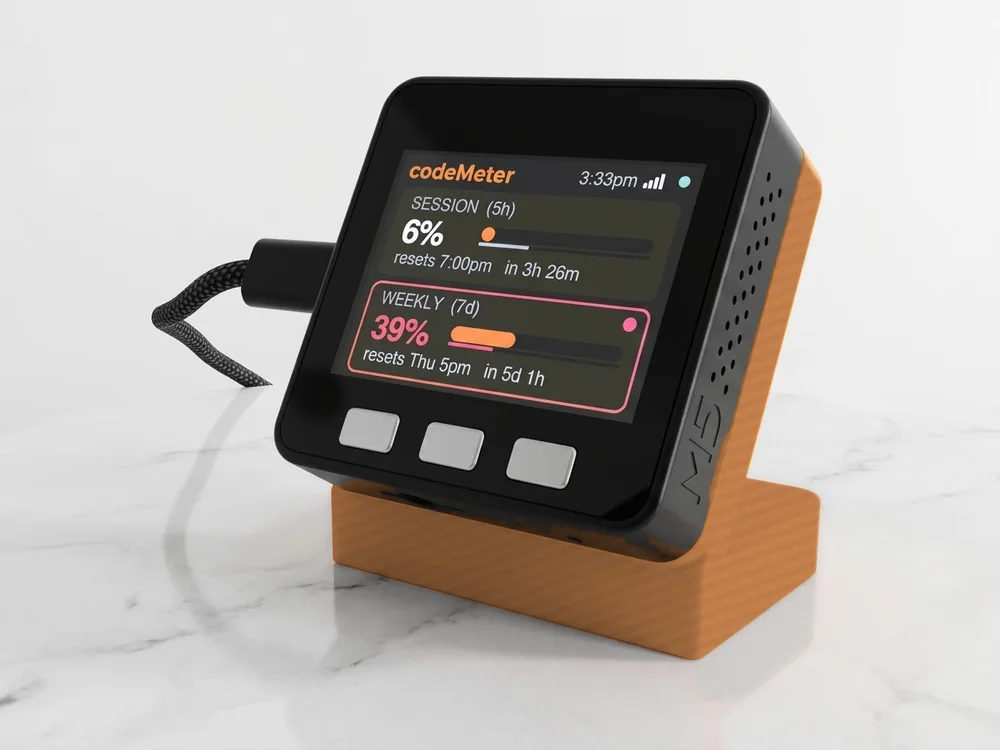
Sample numbers. Yours appear once it is set up.
Which one
Pick the number you watch.
Pick Steam with your app ID, Roblox with your experience's universe ID, or Minecraft with your server address. Discord shows how many of your community are online.
Every one
Same device, same setup.
- 1Plug it in
Scan the code on its screen to join its Wi-Fi. The setup page opens.
- 2Fill in one page
Your home Wi-Fi, the platform, and your name or ID (plus a key if it needs one).
- 3Watch it count
Your number appears within about 30 seconds and refreshes every minute.
In use
Your count, while you create.
It sits by the mic and keeps counting while you work on the next one.
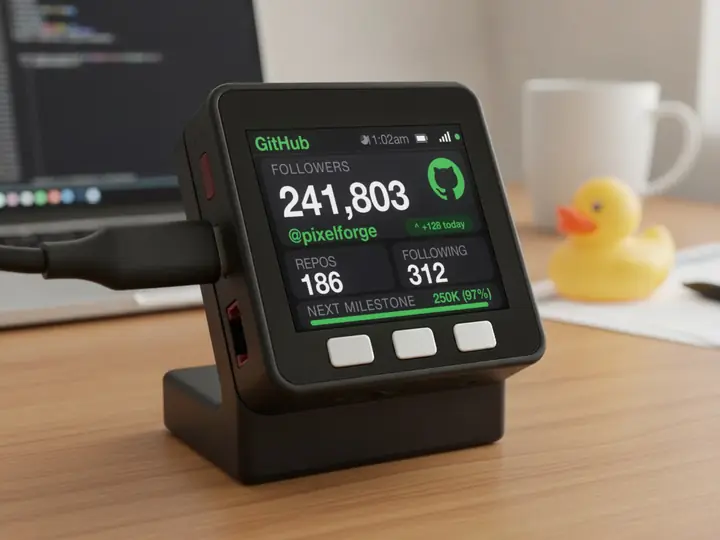
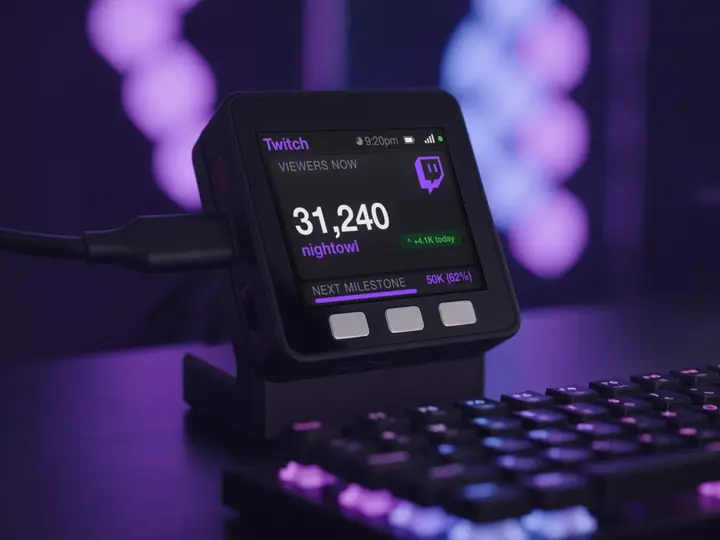
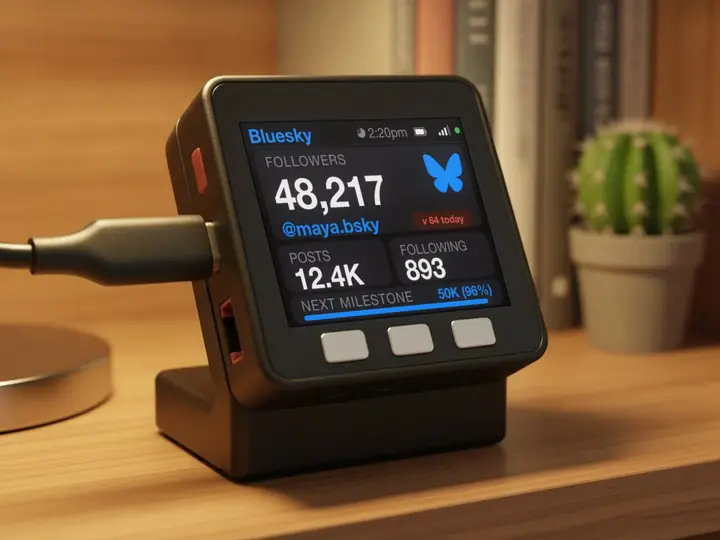
7 stand colours. Pick one to start your build.
FAQ
Questions.
Do any of these need a key?
No. Steam, Roblox, Minecraft and Discord all give player or online counts publicly.
Why is there no today number?
Players come and go all day, so the device shows the count right now and leaves out a daily gain.
Which Roblox number do I need?
The universe ID, from Creator Dashboard. The number in the game's link is a place ID and will not work.
myDeskMeter