socialMeter for GitHub
A GitHub follower counter for your desk.
Your GitHub followers, live on your desk, with your public repo count underneath. Just a username: no token needed.
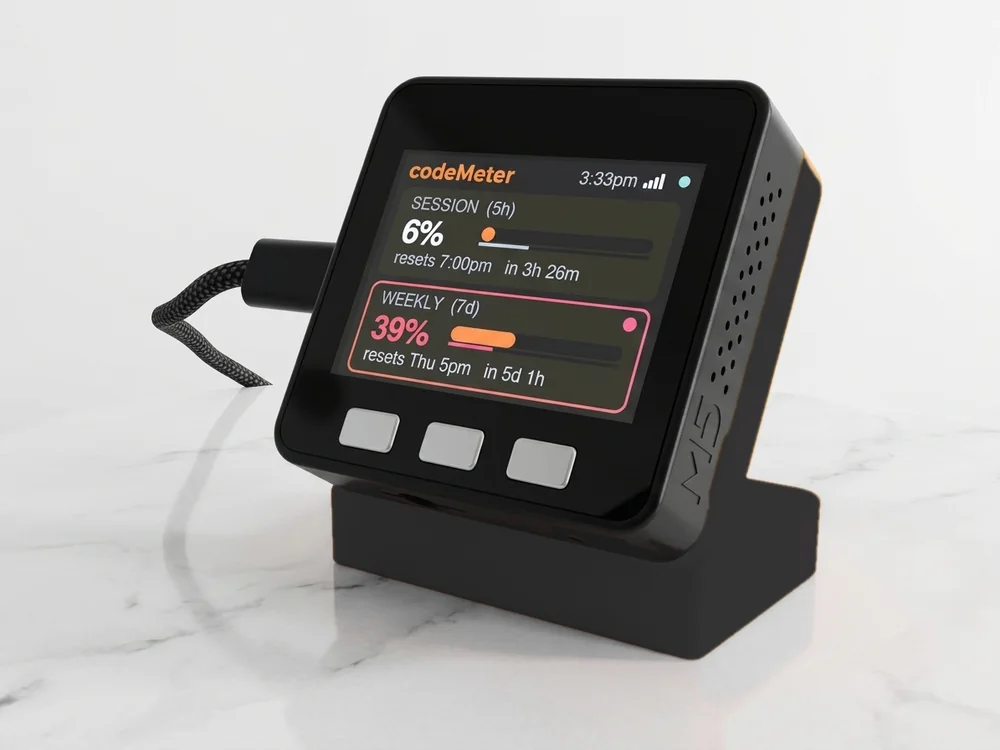
Sample numbers. Yours appear once it is set up.
On the screen
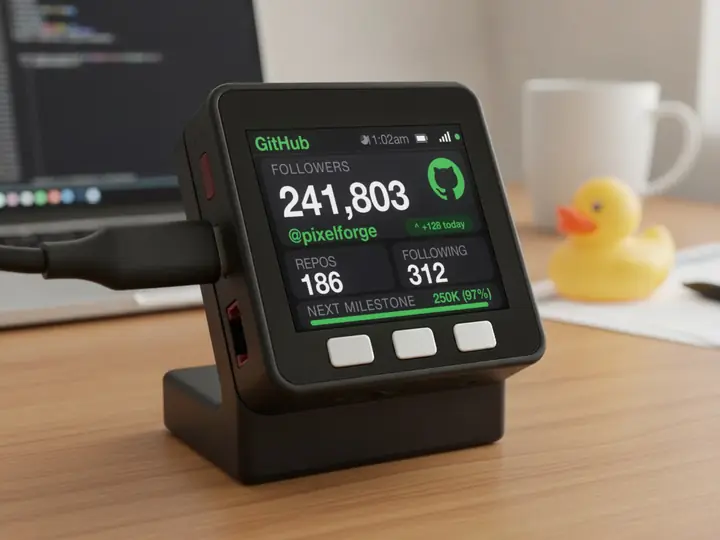
What it shows for GitHub.
The labels below are the ones printed on the device.
- FOLLOWERS
- Followers of the GitHub account, exact, from GitHub's public users API.
- REPOS
- Public repositories on the account.
- FOLLOWING
- Accounts it follows.
- N TODAY
- The green pill: followers gained since the day's first reading, in your time zone.
- NEXT MILESTONE
- A bar to the next round number (1, 2 or 5 followed by zeros), with how far along you are.
- Circle and dot
- The circle empties until the next check. The dot is green while the number is live, amber while it shows the last reading, red when something needs a look.
Checks: Every 2 minutes without a token (to stay inside GitHub's hourly limit), every 60 seconds with one.
What you need
Set up in a few minutes.
It needs only your GitHub username: no key, no login. Your GitHub username stays on the device. No account with us, no app.
- Find your GitHub usernameYour GitHub username (the @ is optional). Organisations work too.example
yournameOptional: a GitHub personal access token in the key box raises the hourly limit, so it checks every minute instead of every two. - Plug it in and join its Wi-FiPower it with any USB-C cable. Scan the code on its screen (or join the Social Meter-XXXXXX network) and the setup page opens. If it does not, visit
192.168.4.1. - Choose GitHub and fill in one pagePick GitHub from the list and type your GitHub username. Leave the API-key box blank.
- Pick your home Wi-Fi and saveChoose your 2.4 GHz Wi-Fi, type its password and tap Save. It restarts and shows your number within about 30 seconds.
Try it
See your count.
Type a GitHub username and this page reads the real number from GitHub, the way the device does.
Same device
Or count something else.
It counts one platform at a time. Switch from your phone whenever you like.
In use
Your count, while you create.
It sits by the mic and keeps counting while you work on the next one.
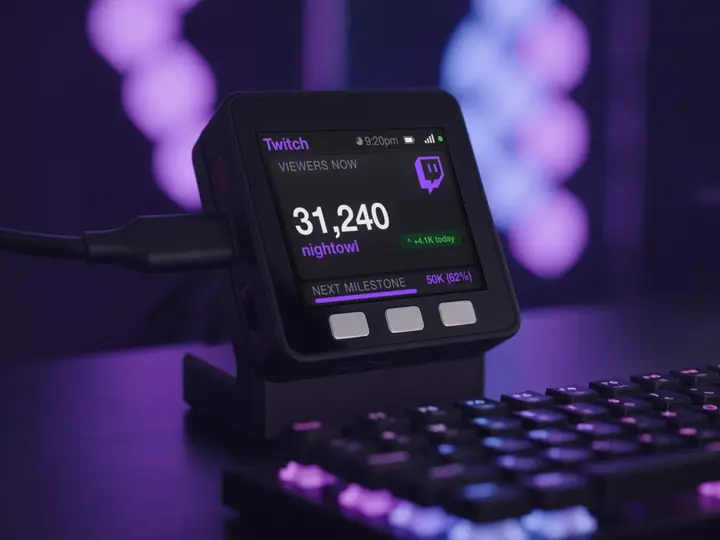
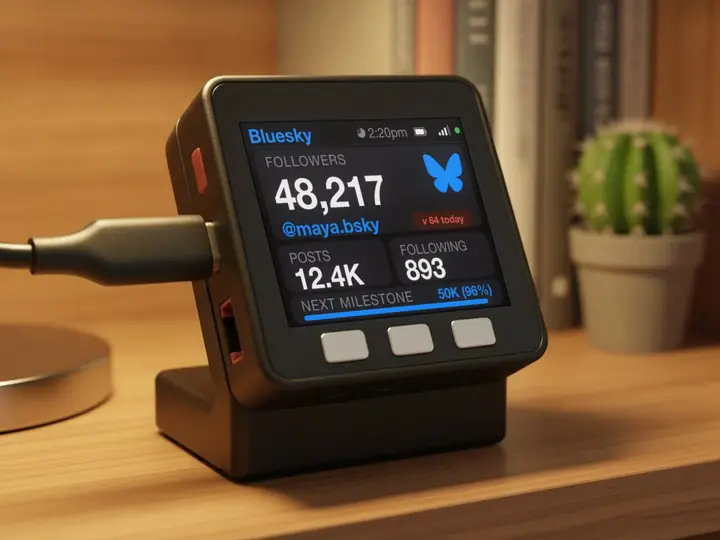
7 stand colours. Pick one to start your build.
FAQ
Questions.
Does it show repository stars?
No. It counts the account's followers, with public repos and following underneath. Stars are not on this screen. For a package's reach, npm weekly downloads or Docker Hub pulls are the closer number.
Do I need a GitHub token?
No. Without one it checks every 2 minutes, which keeps it inside GitHub's anonymous limit. A free personal access token lets it check every minute.
Does it work for an organisation?
Yes. Type the organisation's name; GitHub reports its followers the same way.
Does it need my GitHub password?
No. GitHub followers are public, so it needs only the GitHub username.
myDeskMeter