For stocks and crypto
Your stocks and crypto,
on your desk.
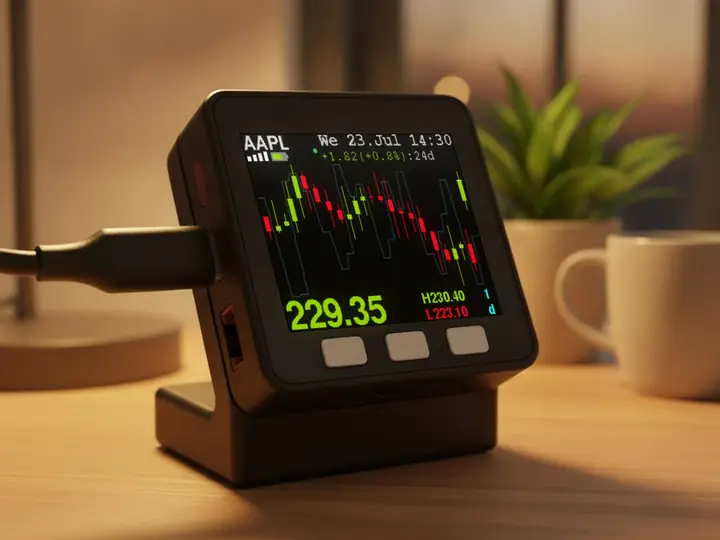
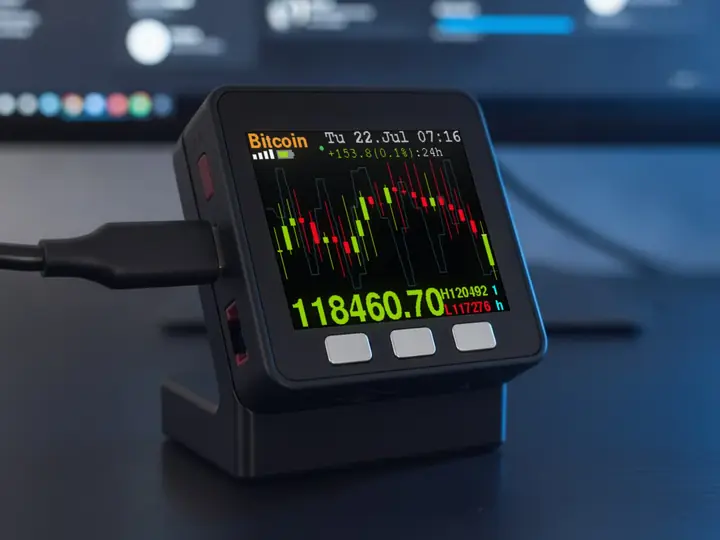
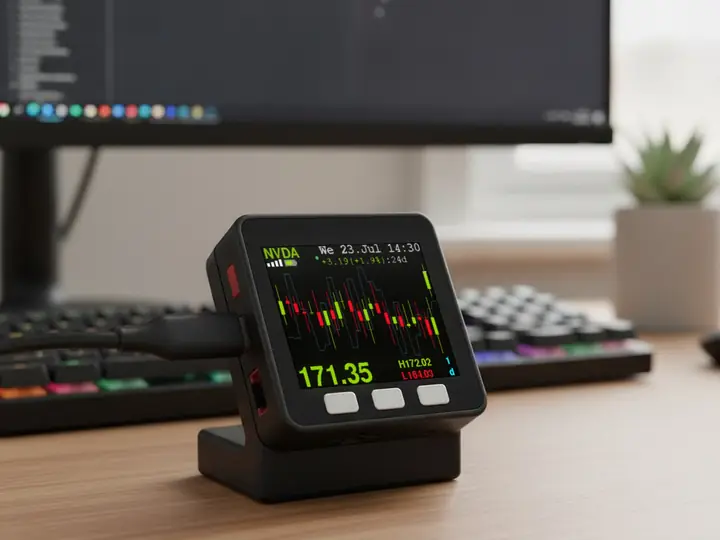
A small display with the live price and a candlestick chart. Up to 25 tickers. No app, no tabs.
In use
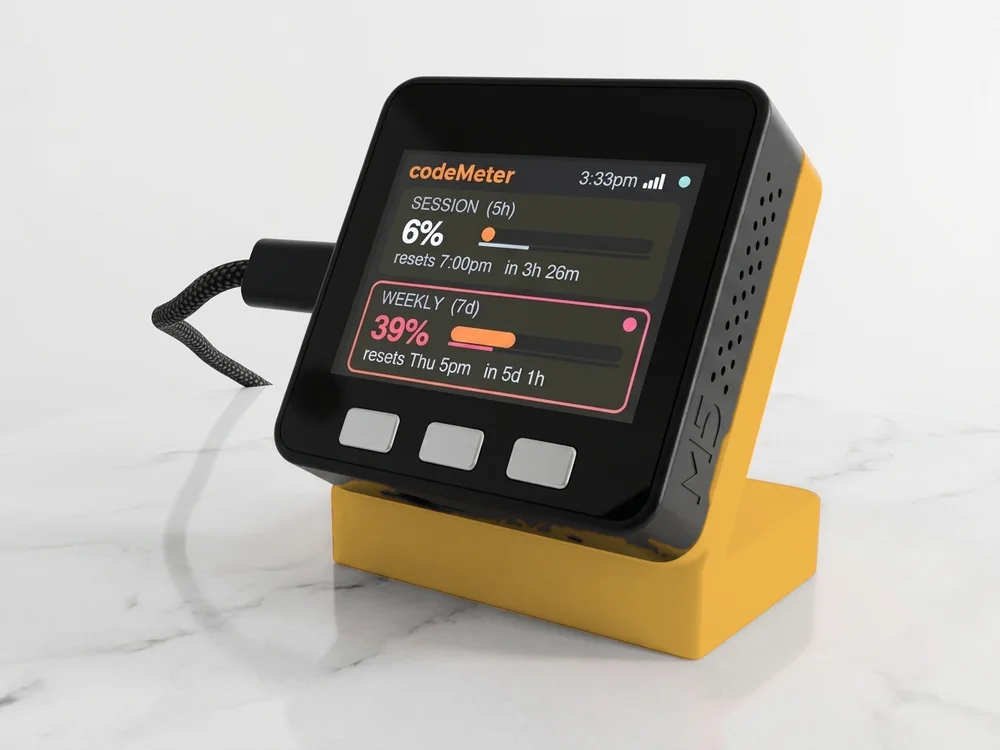
Your morning check, done.
Coffee in one hand, the market on your desk. No app to open.
How it works
Read the market at a glance.
Without opening an app.
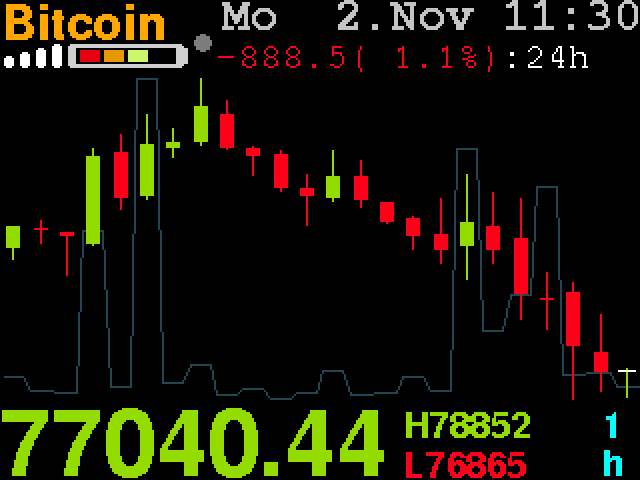
- The price nowBig and live. Green while the current candle is up, red when it is down. A white tick marks it on the last candle.
- How far it movedThe change in price and percent across the chart, and the chart's high and low.
- The chart24 candles, with a thin line for trading volume behind them. The letters at the bottom right are the candle size.
What it shows
One device. Any mix you like.
Pick your tickers on your phone during setup.
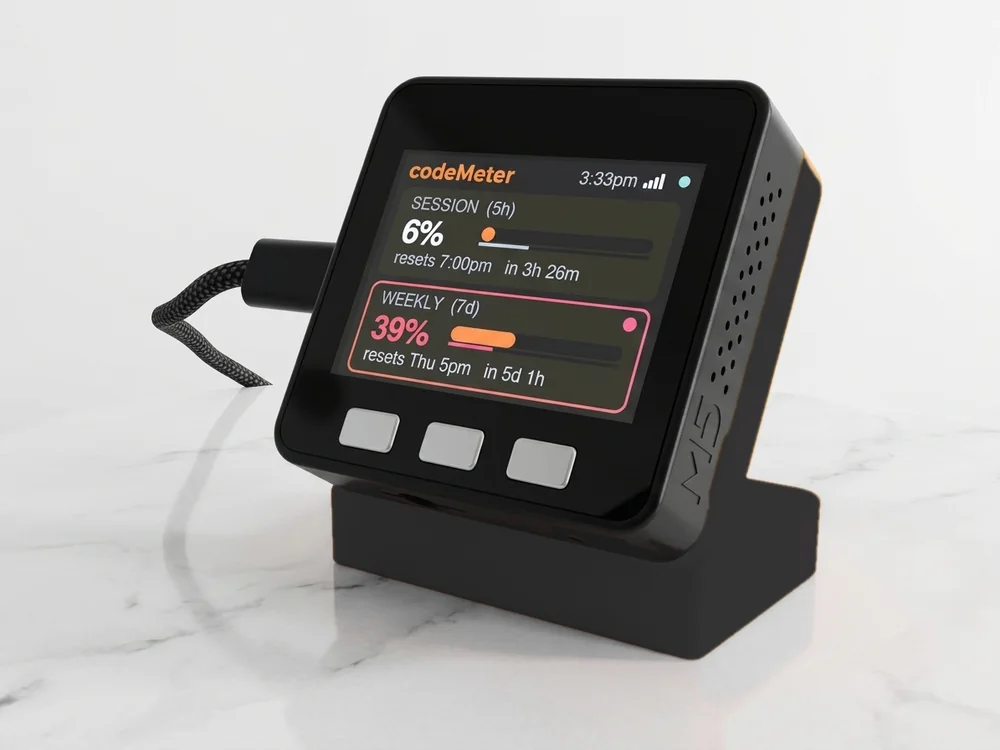
See it with your ticker: S&P 500 stocks ETFs Crypto
Check a ticker
Is yours supported?
Search a coin or a US stock. See it on the screen, and exactly what to type during setup.
Updates
It keeps itself up to date.
When we improve priceMeter, it installs the new version over Wi-Fi by itself.
Wi-Fi reconnects by itself after a power cut or a router restart.
Time zones east of London read correctly. Leave it blank and it finds yours.
4 free updates. No subscription.
Build yours
Make it yours.
Stands are 3D-printed to order in Encinitas, California.
$119
Buy nowIncludes the display on its stand and a USB-C cable. Checkout at encinitas3d.com.
Gifts
A gift for anyone who checks the markets.
Live prices on their desk, set up in minutes with the tickers they follow. Free shipping and 30-day returns.
Ask about a custom order
Getting started
Set up in five minutes.
- 1Plug it in
Join the SETUP PRICE TICKER Wi-Fi from your phone. The setup page opens.
- 2Add your tickers
Pick your home Wi-Fi, then up to 25 tickers: crypto as a pair like BTCUSDT, stocks as Stock:tsla. Give each a short name.
- 3Watch it go
It joins your Wi-Fi and draws the first chart. Press the left button for the next one.
No account, no app and no API key. Your settings stay on the device. Setup guide
FAQ
Questions
What can it track?
Up to 25 in any mix: crypto pairs listed on Binance.US, like BTCUSDT, and US stocks and ETFs, like AAPL or SPY. Our search tool checks a ticker before you add it.
Which crypto pairs work?
Any pair Binance.US lists, typed as one word: BTCUSDT, ETHUSDT, DOGEUSDT and hundreds more. The checker above searches the live list.
How often does it update?
Crypto updates live from Binance.US. Stock prices come from Yahoo Finance every 15 seconds, and the chart refreshes every 30 seconds.
What happens when the market is closed?
Stocks show the last price and chart until trading opens again. Crypto trades around the clock.
What does the line at the top mean?
It is how far the price moved across the whole chart, in price and percent, and how long that chart covers. On one-hour candles it reads :24h.
Do I need an account, API key or subscription?
No. It reads free public price feeds, so there is nothing to sign up for. Updates are free and install themselves over Wi-Fi; if one fails to start, it goes back to the previous version.
What do the buttons do?
Left shows the next ticker. Middle sets the brightness, four levels. Right changes the candle size, from 1 minute to 1 month.
How do I change my tickers?
Hold the middle button while it starts up. The setup page opens again for Wi-Fi and tickers.
Does it work outside the US?
Usually. The clock finds your time zone, and dates can show in English, German or Spanish. Crypto comes from Binance.US, which some countries and networks block, so try the test links on our setup page first.
Can it run on battery?
Yes. Choose a Standard or All Day Battery to move it around, or USB-C only for a desk. Hold the middle button to start a 45-minute sleep timer.
What are the specs?
2-inch 320 by 240 colour screen, ESP32, 2.4 GHz Wi-Fi, three buttons, USB-C power or a built-in battery.
myDeskMeter